Edit images by detecting and highlighting contours to create pencil-drawing effects. Select photos from the device library or capture new ones. Apply the contour effect and view the resulting image on the screen.
by Luigi Fonti★ 1.01 ratingsPhoto & Video$0.99Data updated 2026-09-08
Parts of images by drawing selection areas. Paste copied elements to any location. Remove objects, people, or text. Censor content by replacing it with surrounding pixels. Fill image gaps by copying and pasting nearby areas.
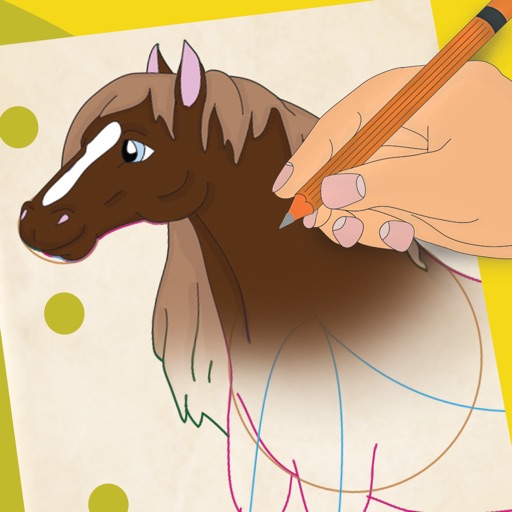
Learn to 10 through 8 step-by-step lessons. Choose an animal, follow guided instructions, and create drawings anywhere. Save and share completed artwork.
Apply effects to photos in real time with 8 live lenses. Add 60 live filters to lenses or use 60 static filters for creative enhancements. Capture and share edited images directly.
Select colors for artworks using reference photos. Suggest four brands of colored pencils with specific counts. Include an option for graphite. Download and print skin tone value viewers.
Turn photos into cartoon characters with various artistic styles including marker pen, 3D Polaroids, Animal Crossing, chibi illustrations, and animated movie effects. Apply filters, adjust colors, and export edited images.
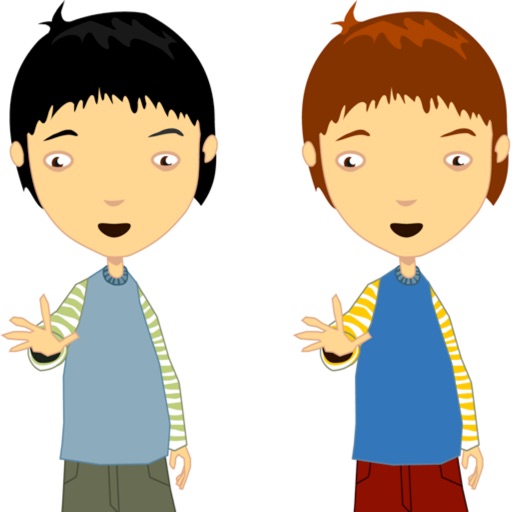
The app allows users to make a person appear twice in a picture, creating a twin effect. Results can be shared via social media or email, or saved to a photo album.
Take photos, adjust guidelines, preview fat appearance
Take a front-facing full- . Adjust guideline markers if needed. Transform the image into a fat version. Save, share on Facebook or Twitter, or email the result.
Draw and color images of and vegetables with a variety of colors. Choose from 50 different doodles. Save and load pages. Includes educational content for toddlers.
The app allows users to design original button badges, round logos, coasters, and round stickers on an iPhone or iPod touch. Users can select from various badge sizes, fonts, and stamps, and use photos as backgrounds.
The app allows users to draw and sketch ideas with an easy-to-use interface. It offers various tools like pencil, line, oval, and rectangle, along with an eraser and undo/redo functionality.
Create abstract art by drawing shapes that auto-connect and fill with random procedural patterns. Use Auto Draw to generate unique compositions in real time. Watch animations transform your artwork into kaleidoscopic designs.
The app allows users to add speech balloons to photos. It offers a simple interface with various balloon options, voice input, and image editing tools like cropping and filters.