Edit images by detecting and highlighting contours to create pencil-drawing effects. Select photos from the device library or capture new ones. Apply the contour effect and view the resulting image on the screen.
by Luigi Fonti★ 1.01 ratingsPhoto & Video$0.99Data updated 2026-09-08
Draw and color characters directly on the screen or with a pencil on paper. Access a public gallery to share art. Follow step-by-step drawing guides. Color pages with solid or gradient colors. Color pixel art by numbers.
Create holiday postcards with photos and customizable frames. Choose from over 400 designs in English and Spanish. Send via email, save to album, or share on social networks and chat apps.
Backgrounds using artificial intelligence for quick depth effects and portrait mode. Adjust intensity manually. Unblur photos if needed. Share edited images directly to Instagram.
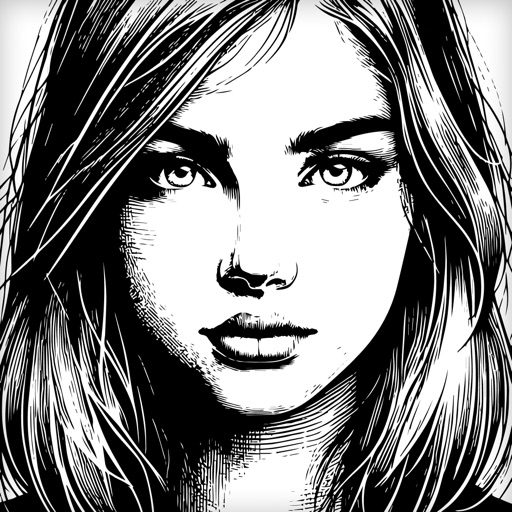
The app recreates photos with etched lines, crosshatching, and monochrome styles. It offers a live split preview, curated presets, and the ability to blend effects for a custom look.
Convert photos into drawings, cartoons, or sketches with one click. Choose from various effects like black strokes, pastel, or halftone. Adjust edge strength, opacity, contrast, brightness, and saturation. Save the edited result.
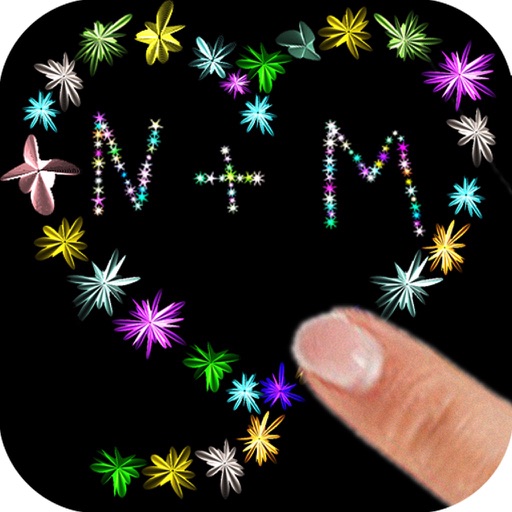
The app allows users to paint with their fingers, choosing colors and sizes to create art. Users can draw shapes and names with random flower colors, then save the drawing to their photo gallery.
The app allows users to create custom lock screen wallpapers. Users can select backgrounds, add text in multiple lines, and choose text colors with shadow effects.
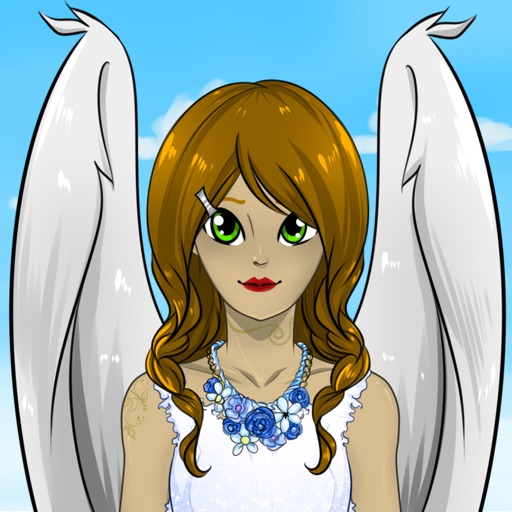
Create custom anime characters by mixing and matching facial features, hairstyles, clothing, and accessories. Adjust makeup, eyes, lips, and body type. Save or share generated images as wallpapers or social media posts.