View a monthly layout with continuous scrolling for weeks or months. Add color and icons to events. Edit, organize, and share calendars. Browse events with intuitive gestures and customize appearance with decorations.
by Procrasty★ 3.99 ratingsProductivity$3.99Data updated 2026-09-22
Track sessions with checkmarks for completed days. View progress over time. Set recurring schedules. Receive reminders for missed sessions. Sync data across devices. Export training logs as PDF.
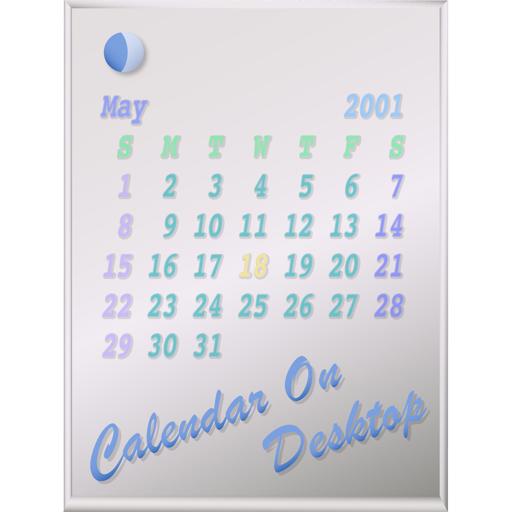
The app displays calendars on the user's Mac desktop. It allows users to move, resize, and customize the calendar's appearance, including displaying multiple months and iCal events.
The app offers week and month views with reminders and drag-and-drop functionality. It supports time zone conversions, natural language entry, and calendar filtering.
Manage multiple accounts including iCloud, Exchange, and Google. View events in day, week, and month formats. Set reminders, edit event details, and share events. Sync across devices and receive notifications for upcoming appointments.
Manage events with customizable colors and labels. Set start day and year. Display holidays and days off with color coding. Use Rokuyo support and 24-hour time format. Add event labels with adjustable font size and color.
Create and manage events with color-coded categories and customizable date backgrounds. Add, edit, and delete events using intuitive gestures like double-tap and drag-and-drop.
Write entries with fast and simple text input. Attach photos to notes. Choose from multiple themes for font and background. View all notes in a calendar with monthly, tag, and overview views. Search by keywords. Backup and restore data.
Track with a timer or manual entries. Record job details, pay rates, breaks, and notes. View total time and earnings for each job. Share time logs and earnings directly. Calculate income based on hourly rates and tips.
Record income and expenses with account, type, and notes. View financial data through calendar and monthly breakdowns. Set passwords to secure records.
Save ideas and linked to dates. Add , agendas, or diary entries to specific dates. View by month or year. Swipe to navigate months. Customize note colors. Access a perpetual . Lightweight and design.
Manage tasks, events, and goals with reminder notifications. Sync with Google and Apple calendars. Share calendars with others. View daily, monthly, and yearly planning options.
View Panchang details with one-click date selection. Check public holidays and favorable marriage dates monthly. Browse events and set reminders for important dates.
Manage events and tasks with natural language input, drag-and-drop reordering, and gesture controls. Sync with Google and Tasks. Edit, delete, and organize events efficiently. View events in day, week, and month views.
Track and manage with a calculator that supports up to two entries per day. View official leave balances from ESS with graphical representations. Identify missing entries and associate them with specific paychecks.
Manage schedules with a floating time display and switch between year and month views. Sync events with iCloud and access "Today" quickly. Scroll indefinitely and confirm events crossing the moon. Integrate reminders and view events in year mode.