Create paintings by generating strokes automatically. Adjust brush size and color. Animate the painting process. Start from an empty canvas and refine details manually. Export artwork in various formats. Share finished pieces directly.
by Studio Mee★ 0.00 ratingsGraphics & Design$7.99Data updated 2026-09-08
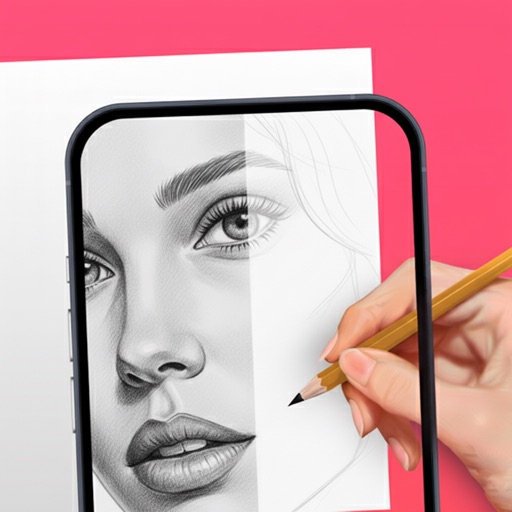
Use phone camera to project images onto surfaces for tracing. Access templates for drawing and coloring. Color traced images to create artwork. Share finished drawings directly.
Create AI artwork by entering text or uploading images. Choose from styles like anime, cyberpunk, and sketch. Earn free painting cards through daily check-ins. Edit and export generated art in various formats.
Edit photos with unblur, object removal, and background cleanup tools. Apply AI filters, artistic styles, and motion effects. Create photo animations with one tap. Export and share edited images directly.
Create drawings and paintings using augmented reality. Project images onto paper and trace them. Choose from diverse patterns and motifs. Color directly on the projected image. Save and share completed artwork.
Convert photos into oil paintings, pencil sketches, and polygon art using deep art technology. Apply cartoon , sketch , and various artistic styles. Export and share transformed images directly.
The app transforms photos into vibrant works of art by applying textures like oil paint, pencil, or watercolor. Users can share their creations via social media and email.
Use camera to and in real-world environments. Apply colors and textures with touch gestures. Adjust brush size and opacity. Save and share drawings directly. Sync with design tools for further editing.