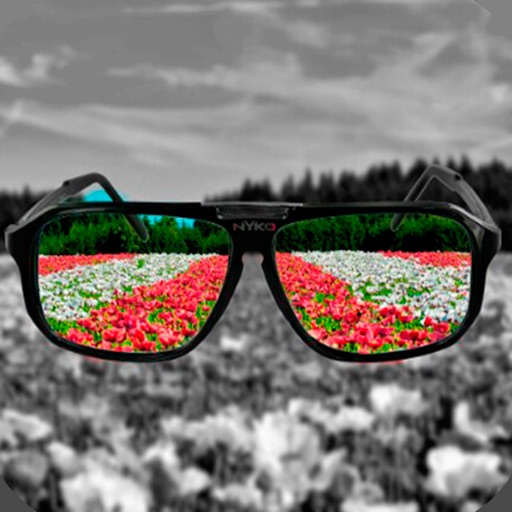
iPhone Screenshots
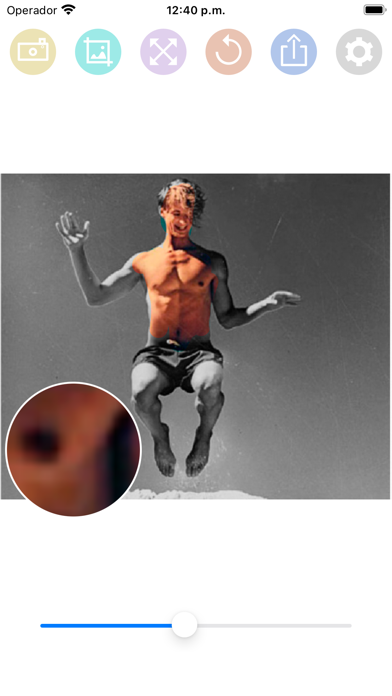
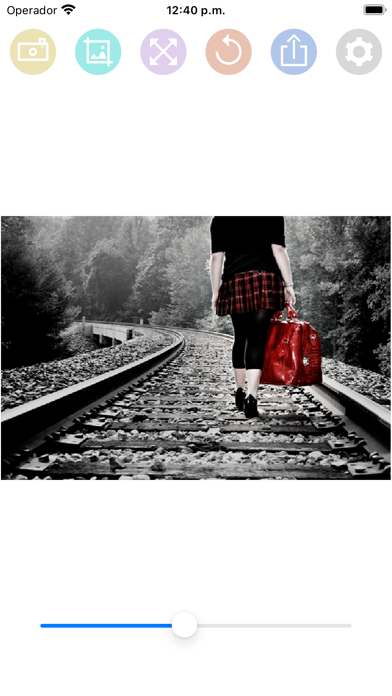
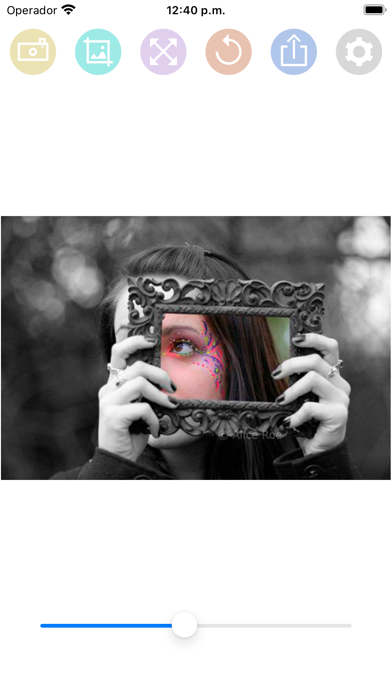
Description
HOW TO USE:
- Select a photo from the gallery by pressing the camera button.
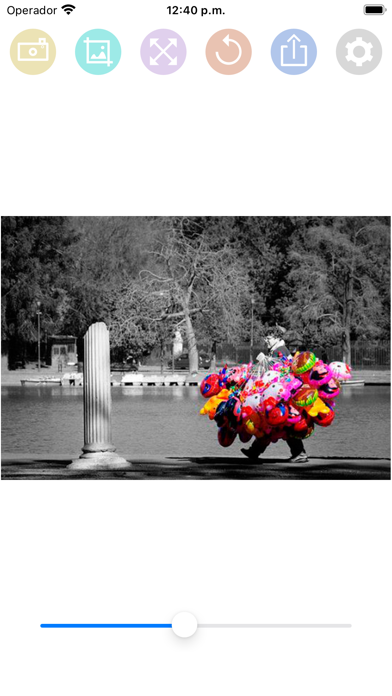
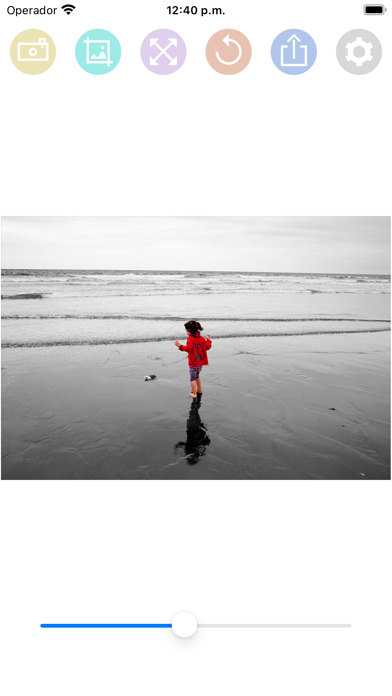
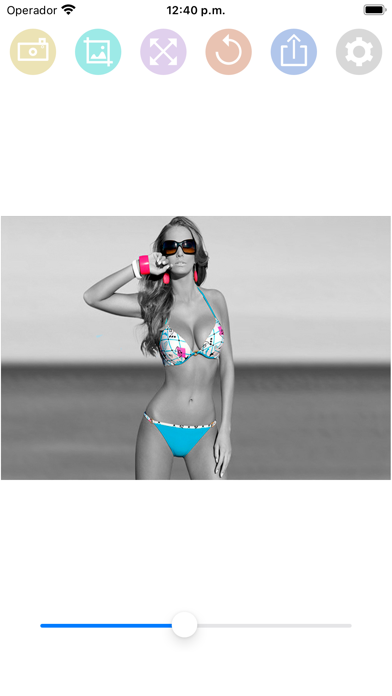
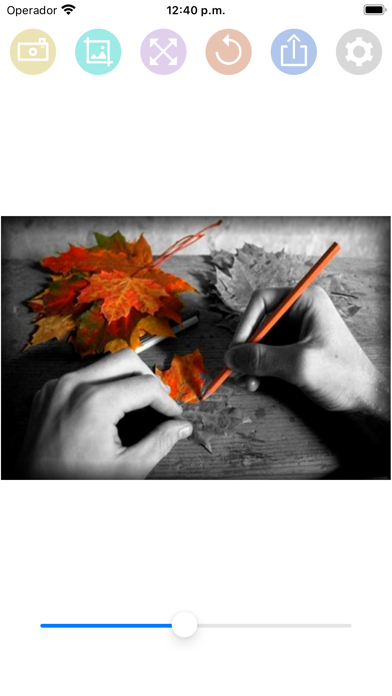
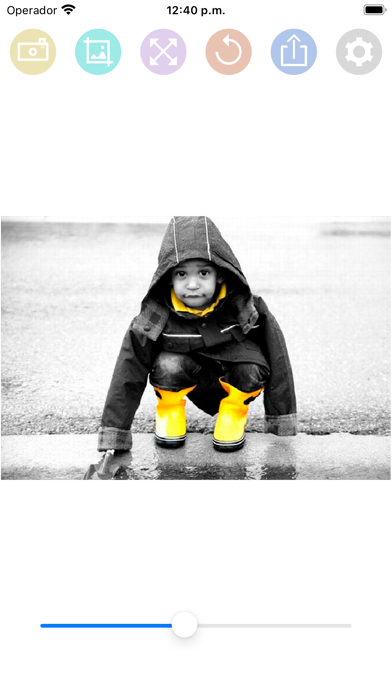
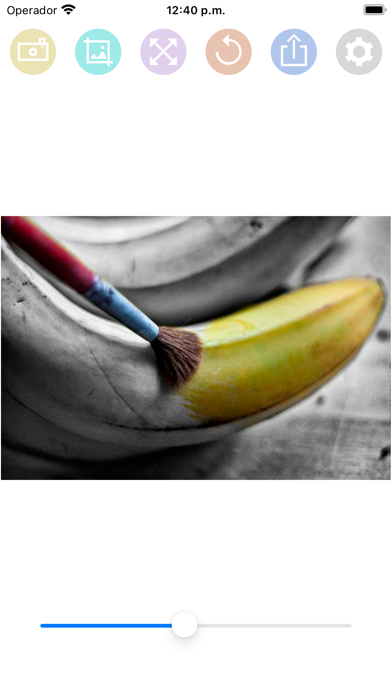
- Paint with your finger the part of the photo that you want to be colored.
- You can change the size of the brush with the slider bar.
- You can zoom the photo and move it to better paint the areas of the photo in color.
- If you move the photo, you can press the button with the four arrows to put the photo back in place.
- If you have made a mistake in a stroke, you can press the undo button.
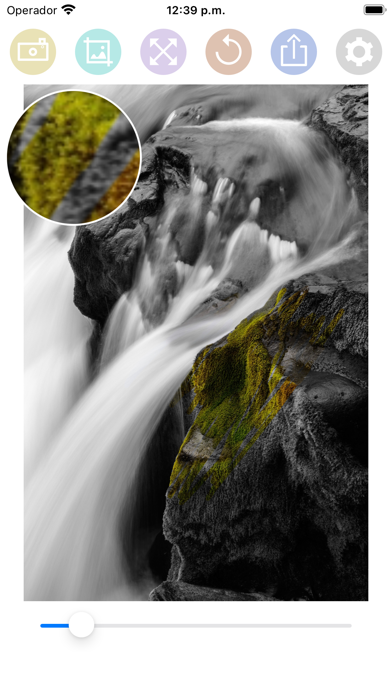
- You have a magnifying glass window to better see what you are painting with your finger.
- Share the photo with your friends on your social networks or through messaging applications.