Capture frames using the iOS device camera. View differences between frames with onion skinning. Preview frames in a scrollable timeline. Adjust exposure, white balance, and focus automatically. Share finished animations directly.
by Kudlian Software Ltd.★ 3.812 ratingsPhoto & Video$2.99Data updated 2026-09-08
Take selfies with a live beauty and apply custom filters. Create collages in 18 styles with masks and frames. Add spiral or neon effects to photos. Enhance and save library images. Capture selfies with a timer.
GIFs by combining static or converting video clips. Edit and mix existing GIFs. Preview Library. Customize colors, frames, and timing. Export and share finished GIFs.
Create iPhone frames around images and videos. Add mockups to showcase website and prototypes. Combine multiple device views into one image. Save up to three images daily. Apply templates to enhance visual presentation.
Edit photos with color filters, light effects, and frame borders. Apply effects like Instafit and Orton. Add film grain and adjust contrast, brightness, and saturation. Include text with 30+ fonts. Share edited images to social networks.
Convert videos into high-quality photos with original resolution. Capture still frames from videos for moving subjects like babies and pets. Save consecutive frames as separate photos.
Create animated videos from text, photos, or both. Add text and images to form stories. Edit elements like transitions and backgrounds. Export and share finished videos directly.
Edit photos by selecting from Camera Roll or taking new shots. Apply real-time effects to create prism-like glass pieces. Adjust frames, shapes, and patterns. Rotate, resize, and drag elements for custom designs. Export and share edited images.
Allows manual camera control with focus, exposure, and white balance adjustments. Record 4K video with frame rate customization. Access advanced settings for manual filming. Export videos in various formats.
Create collages by selecting layouts, adding photos, and personalizing with frames or templates. Arrange images in grids, freestyle, or pre-designed templates. Share directly to social media or messaging apps.
Create photo collages using over 200 frames. Select from photo frames or frames in the main menu. Edit photos with cropping, filters, and text. Combine multiple images into a collage. Record and edit videos. Add text and stickers to videos.
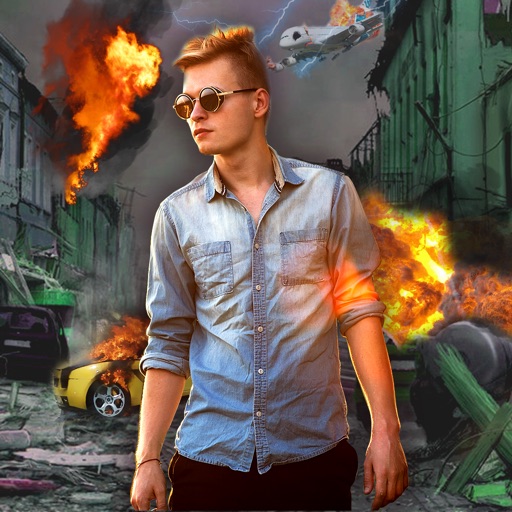
Edit photos with -themed effects like explosions, bomb blasts, and action stickers. Apply customizable FX frames and VFX filters. Decorate images to resemble posters. Share edited photos directly.
Create framed artwork by selecting from various frames and adjusting width and projection settings. Preview framed artwork on virtual walls. Share short video mockups for TikTok and Instagram Reels.