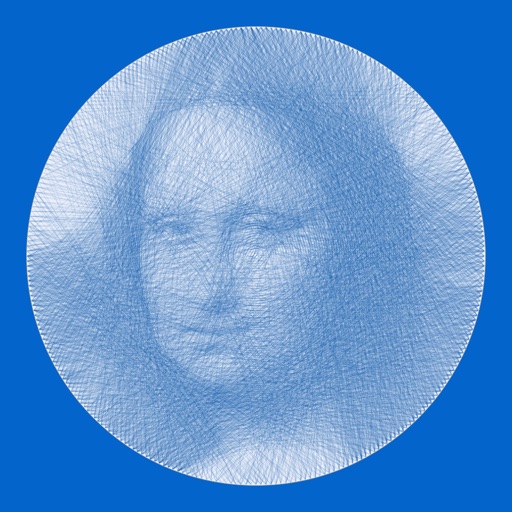
Convert photos into -art drawings with adjustable thickness and volume. Save and share creations in black and white or color. Apply hand-drawn effects to friends, pets, or locations.
by Takenori Asami★ 3.06 ratingsGraphics & DesignFreeData updated 2026-09-08
Create drawings step by step using pre-designed templates on various themes. Select and customize colors, add text, and save or share completed artwork. Access tutorials and instructional guides to drawing techniques.
Convert and photos to color using AI. Enhance old images by sharpening faces and improving clarity. Restore vintage portraits and colorize faded photos with realistic results. Edit and share enhanced photos directly.
Create and view drawings in real-time using AR technology. and on screen with customizable tools. Export artwork in various formats and share directly. Adjust colors, brush sizes, and layers for detailed editing.
Capture -style photos with one click using retro filters. Choose from 35+ -inspired cameras like FX100, CC35, and FK2. Adjust colors and tones to match classic aesthetics. Export images in high quality and share directly.
Edit photos by describing desired changes. AI instantly transforms images. Remove objects, enhance portraits, or restore old photos. Generate new images, stickers, and emojis from text. No complex tools or editing skills required.
Identify colors by pointing camera at objects. Retrieve precise hex, RGB, HSL, and CMYK values. Save unlimited palettes. Export colors to local album. pure black and white accurately.
Images using ControlNet AI models by uploading a picture and entering a prompt. Select from eight available models to guide the output. and optimize generated visuals within the .
Pollux Bilisim Teknolojileri Sanayi ve Ticaret Limited Sirketi
Sketch on photos with AR
Use AR to sketch and draw on photos with realistic ink effects. outlines or create pencil sketches from images. Convert photos into artistic drawings with AI-powered tools. Save and share finished artwork directly.
Create handwritten notes on iPad or iPhone. Import and annotate PDFs. Draw ink with finger, resize, recolor, and move doodles. Add text with customizable fonts, color, and alignment. Include shapes like arrows, polygons, and diagrams.