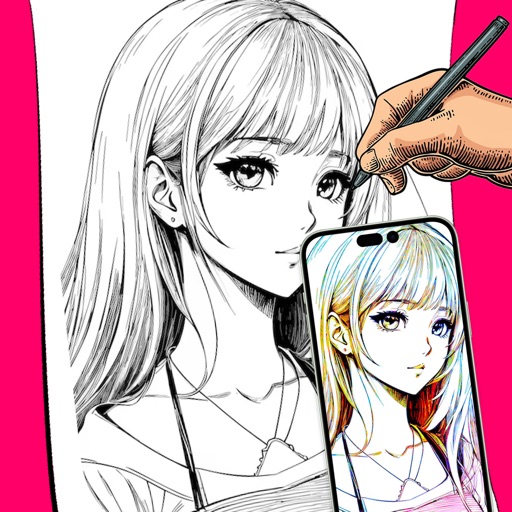
Convert photos into -art drawings with adjustable thickness and volume. Save and share creations in black and white or color. Apply hand-drawn effects to friends, pets, or locations.
by Takenori Asami★ 3.06 ratingsGraphics & DesignFreeData updated 2026-09-08
Pollux Bilisim Teknolojileri Sanayi ve Ticaret Limited Sirketi
Sketch on photos with AR
Use AR to sketch and draw on photos with realistic ink effects. outlines or create pencil sketches from images. Convert photos into artistic drawings with AI-powered tools. Save and share finished artwork directly.
Create collaborative art walls for special events. Invite others to add drawings, text, and photos in real time. Save and share finished creations. Edit and enhance artwork with tools like brushes, colors, and filters. Export as images or videos.
Shoot web lines in AR by making a specific pose. Create web patterns by holding the pose. React to finger movements in the AR space. Share creations directly from the .
The app allows users to create pixel art using four different shapes: squares, circles, diamonds, and triangles. Users can export their designs as high-resolution PNG files.
Install high-resolution brush and stamp sets with one tap. Import .brush / .brushset files directly. Create art in styles like watercolor, ink, manga, and calligraphy. Use time-saving stamp collections for quick composition building.
Convert photos into artistic styles like caricature, stylized portraits, and virtual backgrounds. Extract portraits and replace backgrounds with customizable options. Create magazine covers and animated themes. Share edited images directly.
Convert photos to clean outlines using one-tap conversion. Trace AR images on paper with resizing, rotating, zooming, opacity adjustment, and alignment locking. Explore 1000+ templates and create text art for crafts, projects, and learning.
And enhance old or low-quality photos using AI restoration. Fix blur, improve sharpness, and recover lost details with one tap. Colorize black-and-white photos with realistic color application. Upscale images for better clarity.