Control playback remotely using another iOS device via Bluetooth. Adjust volume, start and stop calls, and manage settings from a distance. Sync with the main for seamless operation.
by K SOLUTION LLC★ 2.54 ratingsSportsFreeData updated 2026-09-08
Control devices by connecting to the same Wi-Fi network. Browse and play media content remotely. Adjust volume and navigation with on-screen buttons. Access device settings and manage playback directly from the .
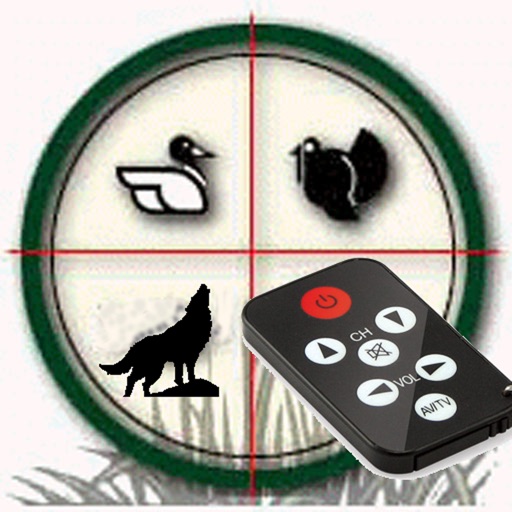
The app offers over 100 hunting calls for various animals including deer, waterfowl, birds, elk, and predators. It features a remote control function and a mixer player allowing users to combine up to 16 calls with individual volume control.
Control playback and navigate TV menus using your smartphone or tablet. Search for content and launch streaming services directly. Adjust volume and settings remotely. Sync with device for seamless interaction.
Control devices with a remote, search for content via voice or keyboard, and cast media files to TV. Stream free movies and live TV on the go. Add and launch channels remotely. Use mobile keyboard for easier text input.
Control Apple Music, , or Apple TV from an iPhone or iPad. Browse music, movies, and podcasts. Create and edit playlists. View upcoming songs. Search your entire library. Connect directly to Mac or PC.
Your TV remotely via iPhone, iPad, or Apple Watch. Adjust volume, change channels, and toggle power. Access a library of pre-programmed commands. Sync with Apple Watch for one-handed operation.
Control media playback on Mac or PC from iPhone. Adjust volume, skip tracks, and manage playlists. Access a today widget for quick access. Sync with VLC Media Player for playback management.
Control audio playback from a mobile device by accessing music libraries and playlists. Create, rename, and reorganize playlists. Select output audio devices and adjust settings for optimal sound quality.
Control LEGO® devices via Bluetooth connection. Pair with Move Hub by activating Bluetooth on iOS device and pressing the green button. Monitor and manage LEGO builds remotely. Supports Powered Up and CONTROL+ Smart Hub.
Control Roku device remotely by connecting to the same Wi-Fi network. Automatically detect and pair with Roku TV or stick. Navigate menus, play/pause content, adjust volume, and access voice search.
Control receiver with voice commands or touch gestures. Adjust channels quickly, set shortcuts, and manage settings remotely via Wi-Fi. Compatible with Genie Client Receivers and RVU-enabled TVs.
Control Roku TV remotely via Wi-Fi. Automatically detect TV in the network. Navigate menus and content using a large touchpad. Launch channels directly from the . No complex settings or button piles.
Control media playback on Mac or PC from iPhone or iPad. Adjust volume, skip tracks, and browse files. View playback progress and queue. Receive ads in free version. Unable to open files remotely without upgrading.
Control TV functions remotely via Wi-Fi network. Turn TV on/off, change channels, adjust volume, and manage playback. Includes touchpad and voice input for navigation. Replace lost without leaving home.
Control VIERA TV models from 2011 to 2018 via Wi-Fi. Adjust volume, channel, and input settings. Transfer media files including pictures, videos, music, and websites to the TV.
Control a robot remotely via Bluetooth. Execute multiple pre-programmed actions. Customize robot behavior with two programming modes. Monitor robot status and movement in real time.
Control TV, TV Cube, TV Stick, and TV Box devices remotely. Connect iPhone or iPad to the same WiFi network to detect and pair with the device. Navigate menus, play/pause content, and adjust volume using the on-screen .
Control devices by scanning your network for setup. Change channels with one tap. Adjust volume or use keyboard input for text entry. Navigate via touchpad without looking at the phone. Pair with multiple players.
Control your Smart TV remotely using your device. Connect via WiFi to manage volume, source, power, channel, and smart features. Supports Samsung, LG, and other brands. Use as a free virtual .
TV functions using iPhone, iPad, or Apple Watch. Adjust volume, change channels, and navigate menus. Pair with TVs from 2015 onward. Supports N Series 2024 models. Includes ergonomic design for Apple Watch use.