iPhone Screenshots
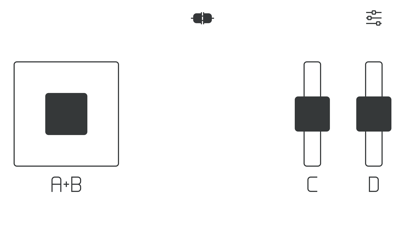
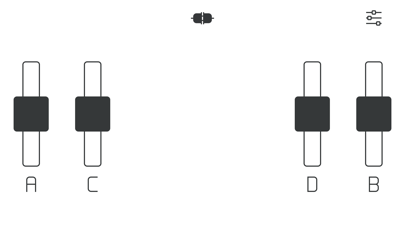
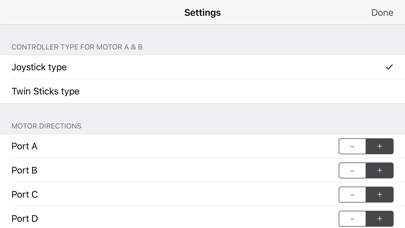
Description
Control LEGO® devices via Bluetooth connection. Pair with Move Hub by activating Bluetooth on iOS device and pressing the green button. Monitor and manage LEGO builds remotely. Supports Powered Up and CONTROL+ Smart Hub.
Let's control LEGO® BOOST with your fingers!
How to use
1. Turn on Bluetooth on your iOS device
2. Tap the button like connector on the top of this app
3. Push the green button on your Move Hub
4. Enjoy!
This app connects to your Move Hub via a Bluetooth Low Energy (BLE) connection. It supports iPhone, iPod touch, and iPad installed iOS 9 or higher.
It also supports Powered Up and CONTROL+ Smart Hub.
Boost Remote is an open source project.
https://github.com/bricklife/BoostRemote/
LEGO is a trademark of the LEGO Group.