Apps Like MyMirror - Pocket mirror for iPhone and iPad
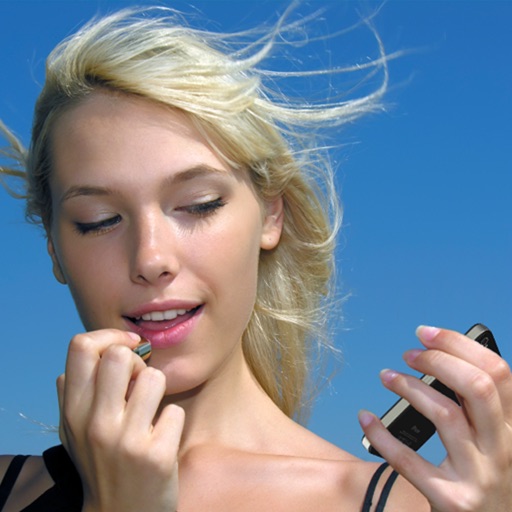
Your face, swipe to switch frames
Allows users to view their front-facing camera feed. Swipe to switch between camera frames. Adjust brightness and contrast settings. Share live video or screenshots directly.
by Saflund Designers AB★ 1.02 ratingsUtilitiesFreeData updated 2026-09-06
Use camera to magnify objects. Switch between front and back cameras for mode with light bars. Tap to freeze image and adjust brightness and contrast. Pinch to zoom, rotate, and pan. Save final image to Photos.
Use the front camera as a pocket mirror with digital zoom. Adjust brightness with Night Mode. Apply makeup and style hair using the camera. Take close-up views of small details.
Use the HD front camera as a clear . Zoom in for detailed makeup application. Flip the screen, adjust zoom, and share the view. No additional hardware required.
Use the front or rear camera as a or magnifier. Zoom up to 32x with pinch or volume buttons. Support dual and triple camera devices. Turn on torch for better visibility.
Share images via Twitter, Facebook, Messages, Mail,
Provides a portable alternative to a physical with zoom and night mode features. Users can apply makeup, check teeth, and take selfies. Images can be shared via Twitter, Facebook, Messages, Mail, and AirDrop.
Use front camera for real-time application and self-viewing. Apply filters like cartoon, sketch, and X-ray for styled photos. Zoom in 1x to 4x for detailed inspection. Activate flashlight for better lighting during application.
The app provides a digital magnifier with a flashlight for viewing small text and objects. It offers up to 12x magnification and can also function as a cosmetic mirror using the front-facing camera.
Edit photos by flipping, rotating, cropping, and applying filters. Use AI to suggest optimal filters. Flip images live during camera use. Batch edit multiple photos and save directly to the library.
Create reflection effects with left-right, up-down, or repeat options. Apply effects and designer frames to enhanced images. Select from gallery or capture new photos for editing. Export and share edited images.
Use front camera as a source with adjustable brightness. Zoom in during video calls or recordings. Set a timer to turn off the automatically. Adjust settings for brightness and duration.
Use the front camera as a pocket mirror with digital zoom. Adjust brightness for low-light use. Apply makeup and style hair with real-time preview. Take close-up views of small details.
Shop eyeglasses and sunglasses starting at $95 with prescription lenses included. Virtually try on frames using lifelike 3D previews. Receive personalized frame recommendations via AI-powered Advisor.
Check your appearance with a virtual that provides natural reflections and adjustable brightness. Zoom in for details, freeze frames, and customize frames. Adjust lighting for dim environments and view reflections without camera limitations.
With users in real time through live messaging. Swipe to connect with online users. Find friends based on age preferences. Explore themed rooms. Share photos and videos within chats.
Edit photos with PIP frames, collages, and creative layouts. Add crystal bottle patterns and cartoon styles. Share edited photos directly to social media. Adjust brightness, contrast, and colors. Crop and rotate images.
Edit photos with brightness, saturation, and contrast adjustments. Add text, stickers, and memes. Crop, rotate, and straighten images. Apply effects and frames. Sharpen or blur photos. Import images from the camera roll. Fix red tones.