
iPhone Screenshots
Description
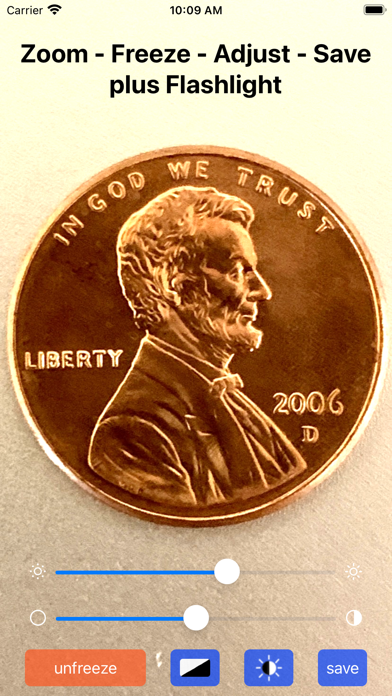
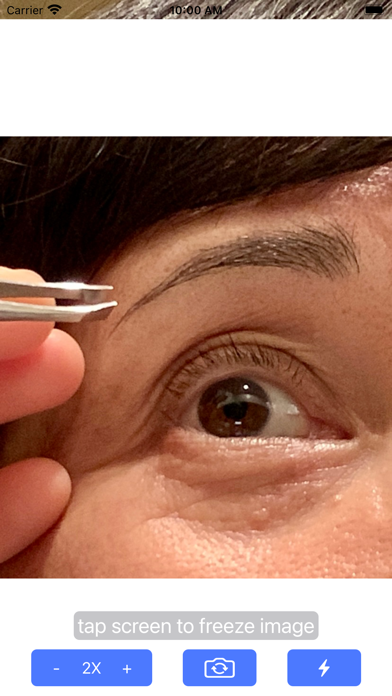
Use camera to magnify objects. Switch between front and back cameras for mode with light bars. Tap to freeze image and adjust brightness and contrast. Pinch to zoom, rotate, and pan. Save final image to Photos.
Simple app uses your camera to magnify objects.
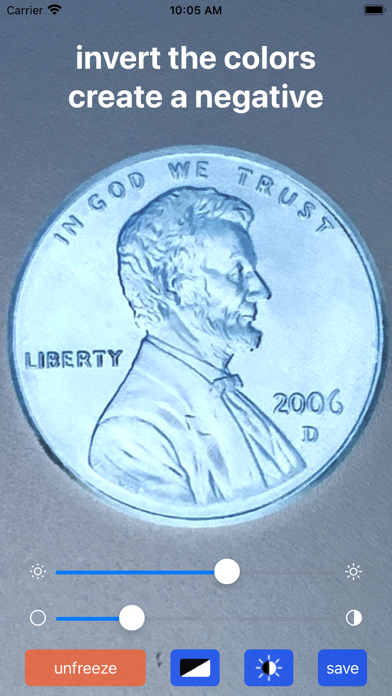
You can switch to the front camera and use as a mirror with light bars for dim lighting. A simple tap on the screen freezes the image for a closer look and some fine adjustments if you like. You can pinch to zoom, rotate, and pan the frozen image and also make adjustments to brightness and contrast. A save button lets you send the final image to your Photos. There is even a toggle button to invert the colors and create a negative image.
We hope you enjoy the app and find it “A Surprisingly Useful Tool”!