Use the front or rear camera as a or magnifier. Zoom up to 32x with pinch or volume buttons. Support dual and triple camera devices. Turn on torch for better visibility.
by Ratha Sou★ 4.6113 ratingsUtilitiesFreeData updated 2026-09-08
Use camera to magnify objects. Switch between front and back cameras for mode with light bars. Tap to freeze image and adjust brightness and contrast. Pinch to zoom, rotate, and pan. Save final image to Photos.
Magnify entire screen for detailed viewing after in- purchase. Freeze and share magnified images. Choose from auto-focus, locked-focus, or manual focus modes. Apply advanced filters to enhance image clarity and readability.
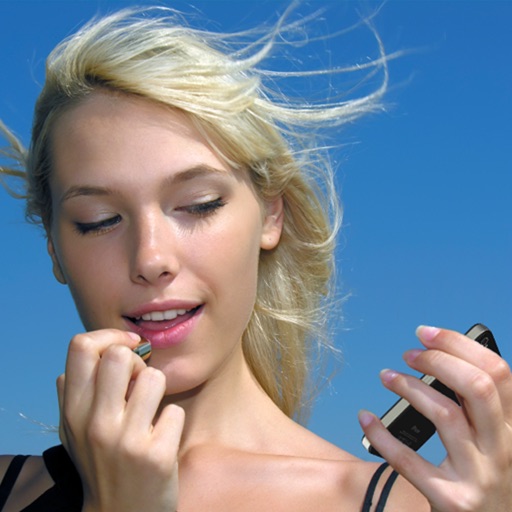
Allows users to magnify areas of the face for detailed inspection. Apply makeup and check features like eyes, nose, lips, and teeth. Share specific areas with friends for feedback. Includes auto-zoom functionality for close-up views.
Share images via Twitter, Facebook, Messages, Mail,
Provides a portable alternative to a physical with zoom and night mode features. Users can apply makeup, check teeth, and take selfies. Images can be shared via Twitter, Facebook, Messages, Mail, and AirDrop.
Use the HD front camera as a clear . Zoom in for detailed makeup application. Flip the screen, adjust zoom, and share the view. No additional hardware required.
Glass allows users to zoom in on text up to 16x using pinch or drag gestures. It extracts text from the camera via machine learning for easy reading and sharing. It includes an image stabilizer to reduce blur and a tap-to-pause camera function.
The app provides a digital magnifier with a flashlight for viewing small text and objects. It offers up to 12x magnification and can also function as a cosmetic mirror using the front-facing camera.
Magnify text and objects with adjustable zoom from 1x to 32x. Use AI to enhance clarity and detail. Adjust brightness and contrast for better visibility. Share magnified images directly. Sync with devices for consistent use.
Use front camera for real-time application and self-viewing. Apply filters like cartoon, sketch, and X-ray for styled photos. Zoom in 1x to 4x for detailed inspection. Activate flashlight for better lighting during application.
The app transforms an iPhone or iPad into a full-screen lighted magnifying glass. It offers features like light level control, image capture, and auto-focus lock.
Record videos and take photos discreetly using fake backgrounds to hide the . Monitor motion with a sensor to automatically save footage. Set a photo timer for interval shots. Share captured media directly.
Allows users to zoom in on small text, numbers, and details using the iPhone’s front or rear camera. Users can adjust zoom via a dragable bar. The includes a built-in flashlight that can be toggled on or off.
Use the front camera as a pocket mirror with digital zoom. Adjust brightness with Night Mode. Apply makeup and style hair using the camera. Take close-up views of small details.
The app transforms an iPhone or iPad into a lighted magnifying glass. It offers features like crystal clear mode, image stabilization, light level control, and high contrast mode for improved readability.
Capture photos and videos with high resolution up to 4032x3024 and 4K. Switch between front and back cameras. Use face detection, grid, and image stabilization. Zoom up to 10x. Adjust focus and exposure by tapping.
Turn your iPhone or iPad into a with adjustable levels from 2x to 32x. Capture photos of distant or blurry objects and use AI to enhance and analyze images. Share edited photos directly.