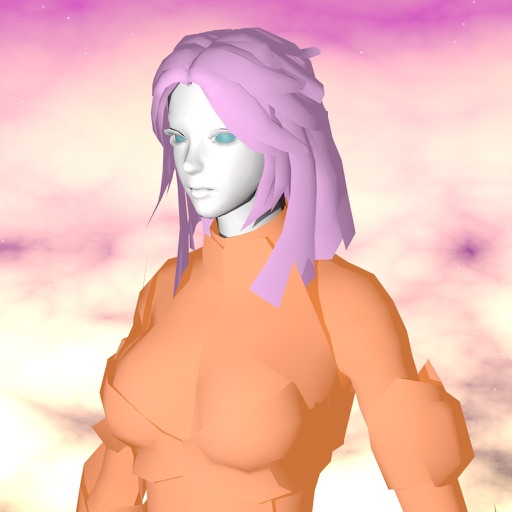
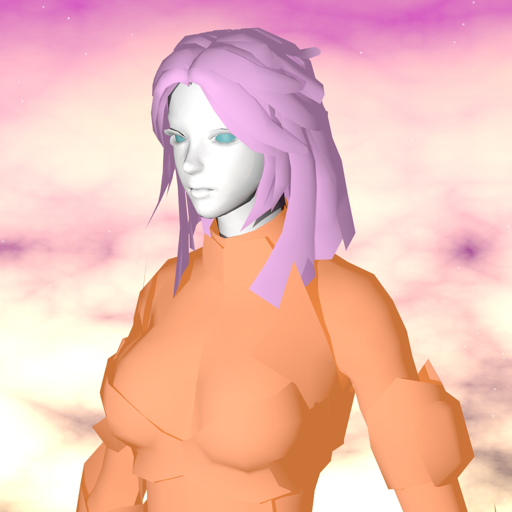
The app provides a portable 3D modeler for creating shapes and objects. Users can manipulate models using finger gestures and access geometric primitives.
by Gianluca Natalini★ 5.01 ratingsProductivity$2.99Data updated 2026-09-16
Detailed artwork with customizable brushes and specialized toolsets for sketching, painting, and doodling. Access advanced AI features to enhance creative workflows. Export and share finished projects directly.
Remove unwanted objects, text, or backgrounds from images or videos. Use finger gestures to select areas for deletion. Automatically blend removed sections with surrounding content for seamless results. Edit both static images and clips.
And videos to obscure specific areas or entire footage. Adjust shapes, trace with finger, or auto- faces and cars. Process audio and change speed. Create fluffy effects.
Measure horizontal floor areas in square feet or meters. Calculate vertical wall areas in square feet or meters. Determine lengths between two points. Place virtual furniture to assess space size.
Allows users to open and navigate PDF documents. They can highlight text, add , and organize annotations. Users can search within documents and bookmark pages. Export and as files. Share documents and annotations with others.
Track watched shows with progress indicators and episode logging. View upcoming episodes and air dates. Sync with trakt.tv for show recommendations and watch history. Customize watch lists and set reminders for new episodes.
Create and facial sketches using detailed geometric models. Analyze face structure from basic shapes to complex forms. Practice with 25 models, including 2 free. Refine sketches with layered tools and adjust proportions.
Add pointers, , and descriptions to photos to enhance storytelling. Choose from 7 expressive pointer designs. Adjust size and position of pointers. Automatically optimize text legibility. Save photos to your device or share via Instagram.
Control computers via sharing, trackpad/mouse, and Apple Pencil. Connect using RDP, SSH, Telnet, and VNC. Manage sessions, transfer files, and customize keyboard shortcuts. Supports iOS and Mac devices.
View and manipulate 3D models with rotation, scaling, and sectioning. Support for BIM, Revit, SolidWorks, and over 40 3D file formats. Measure distances and preview assemblies. Export and share 3D designs.
Explore the scale of the from microscopic particles to vast galaxies. Compare sizes through interactive swiping to visualize differences in magnitude. View detailed comparisons between objects like planets, humans, and atoms.
View 3D STL files with support for ASCII and binary formats. Load models from ZIP files. Rotate, pan, and zoom for graphic manipulation. Switch between orthogonal and perspective views.
The app offers mobile document editing and viewing with Microsoft Office compatibility. It supports various cloud services, file management, and PDF annotation, enhancing mobile work efficiency.
Create 3D pixel art and voxel art using a full-featured voxel editor and pixel art editor. Use dozens of tools and brushes for block building, including pencil, bucket fill, and magic. Share creations via photos and videos.
Allows copying and pasting between devices. Share files and URLs to a computer from any . Use phone screen as a virtual touchpad or keyboard. Control a computer's presentation with a phone-based laser pointer. Run remote commands on a computer.
Upscale photos by 2×, 4×, or 8× using AI. Repair low-resolution images, retouch faces, and apply advanced enhancements. Supports macOS Tahoe 26 and works efficiently on M1/M2/M3/M4 chips. Export enhanced images directly.