
iPhone Screenshots
Description
Control computers via sharing, trackpad/mouse, and Apple Pencil. Connect using RDP, SSH, Telnet, and VNC. Manage sessions, transfer files, and customize keyboard shortcuts. Supports iOS and Mac devices.
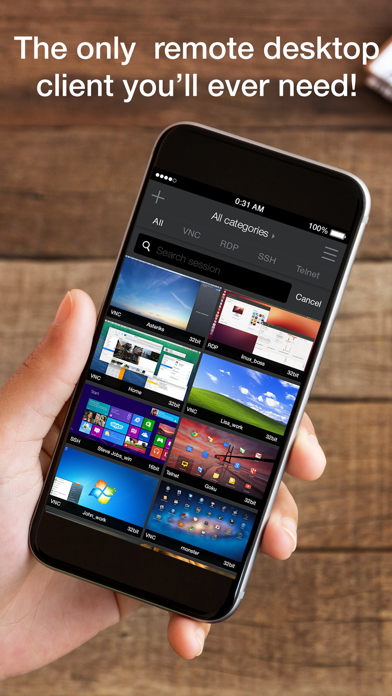
Remoter VNC turns your iPhone or iPad into a precise remote desktop client for VNC and macOS Screen Sharing.
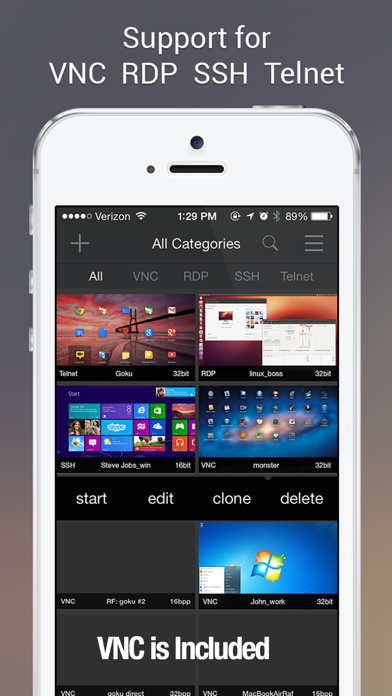
Connect to your Mac, PC, or Linux desktop over your local network or through your own remote-access setup. Remoter VNC is not a lite edition: VNC is fully included, with optional in-app purchases for RDP, SSH, Telnet, and RemoterFusion when you need more ways to connect.
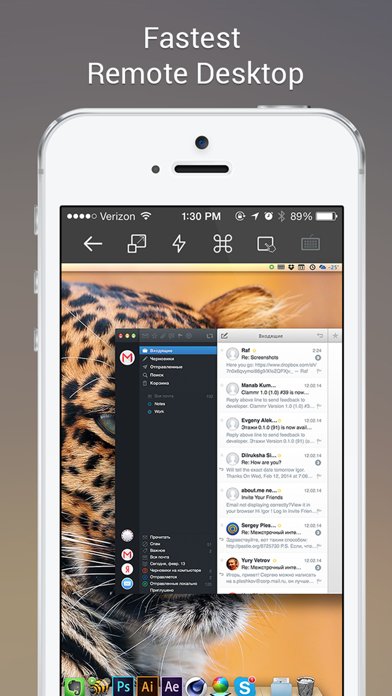
Designed for real remote work, Remoter combines fast screen control with a flexible input system: touch, virtual trackpad, hardware mouse/trackpad, Apple Pencil, special keys, pinch-to-zoom, and fullscreen viewing.
VNC and Screen Sharing
• VNC protocol 3.8 support
• Compatible with macOS Screen Sharing, UltraVNC for Windows, and common Linux VNC servers
• Multiple simultaneous connections
• Network computer discovery and Wake-on-LAN
• Server-side scaling and multiple monitor support
• Send Clipboard: copy text from your device to the remote computer, then paste it there
• Portrait and landscape orientations, fullscreen mode, fit width, fit height, and 1:1 zoom
Input and Workflow
• Precise virtual trackpad with right-click, dragging, and scrolling
• Hardware mouse and trackpad support
• Apple Pencil-aware pointer input
• Special keys including Esc, F1-F12, Control-Alt-Delete, Command, and Windows key
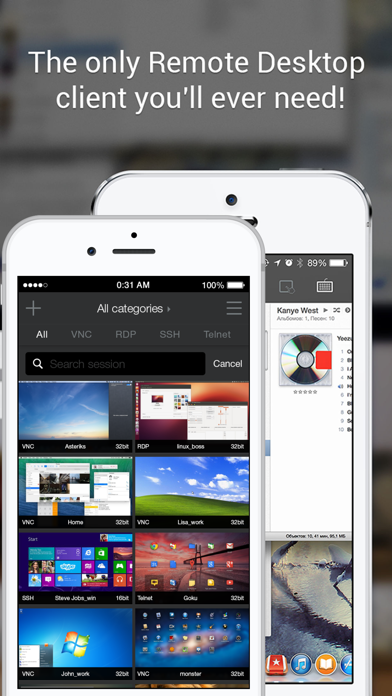
• Saved server cards with custom ordering
• International keyboard mappings for German, Swiss-German, Russian, French, Danish, and Spanish
Optional Add-ons
• RemoterFusion: easier setup without port forwarding or dynamic DNS, plus Mac audio streaming
• RDP: Windows Remote Desktop with RD Gateway, NLA, clipboard paste, and RDP over SSH
• SSH and Telnet: terminal sessions, public-key authentication, SSH key management, macros, VNC over SSH, RDP over SSH, and custom SSH tunnels
Remoter runs on iPhone and iPad.
Support: [email protected]