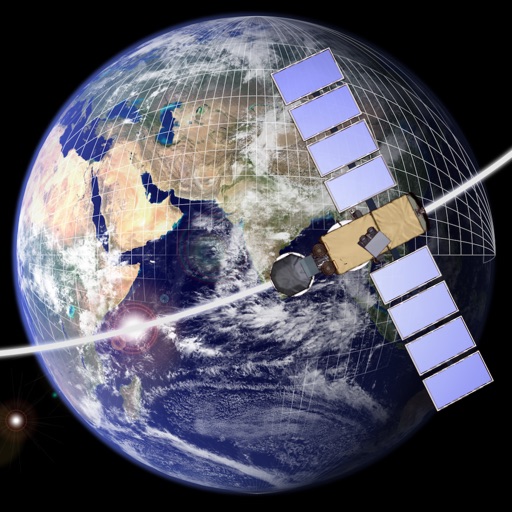
Design and explore satellite orbital geometry interactively.
The app lets users design and explore satellite orbital geometry using an iPad's multi-touch interface. Users can manipulate orbits with gestures, see real-time effects on orbits and ground tracks, and animate results.
by a.i. solutions, Inc.★ 5.02 ratingsEducationFreeData updated 2026-09-16
Practice Ground Game animations and compare fighter stats. Find counter fighters and tournaments. Connect with coaches and leagues. Discover hidden contenders. No in- purchases.
Learn concepts through video lessons, practice problems, and interactive quizzes. Track progress with detailed reports. Access for 5th Grade , 6th Grade , Pre-Algebra, Algebra 1, Geometry, and Algebra 2. Cancel within 3 days without charge.
Allows users to plan routes for driving, bicycling, or walking. It displays real-time navigation with live traffic updates. Users can find nearby hotels, schools, and hospitals. The calculates distances between locations and shows current map views.
Access and religious content through a magazine-style format. Watch broadcast episodes available via cable, satellite, and internet. Receive updates on current events and church-related topics.
Measure distance by dropping pins or drawing paths on a map. Calculate total distance and segments between locations. Search and auto-complete locations. Use current location. Save and share custom maps. View Standard, Hybrid, or Satellite map types.
Learn aircraft systems with interactive hydraulic, electric, fuel, and bleed air . Manipulate switches to visualize system responses and practice failure scenarios. Simulate procedures and observe outcomes to reinforce understanding.
The app provides a multi-device collaboration tool for capturing and sharing creative ideas. Users can add notes, arrange them on a canvas, assign colors, and draw to organize thoughts and show relationships between concepts.
Convert photos to grayscale and selectively specific areas using finger touch or custom colors. Draw with zoom and rotation for precision. Use a magnifier for detailed work. Undo mistakes or redraw in grayscale. Export edited images.