Design and explore satellite orbital geometry interactively.
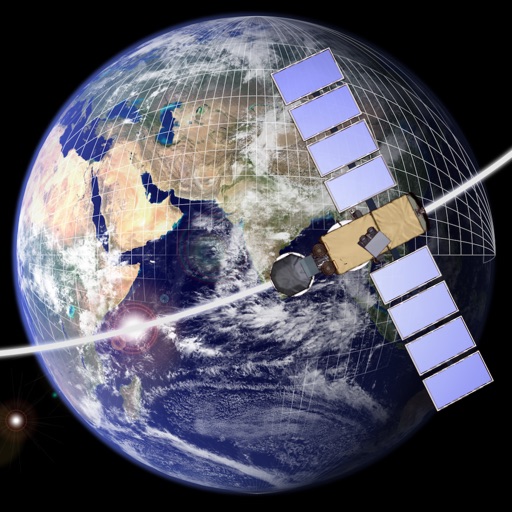
The app lets users design and explore satellite orbital geometry using an iPad's multi-touch interface. Users can manipulate orbits with gestures, see real-time effects on orbits and ground tracks, and animate results.
by a.i. solutions, Inc.★ 5.02 ratingsEducationFreeData updated 2026-09-16
The app provides a multi-device collaboration tool for capturing and sharing creative ideas. Users can add notes, arrange them on a canvas, assign colors, and draw to organize thoughts and show relationships between concepts.
Convert photos to grayscale and selectively specific areas using finger touch or custom colors. Draw with zoom and rotation for precision. Use a magnifier for detailed work. Undo mistakes or redraw in grayscale. Export edited images.
Study for the SAA-C03 with multiple modes including preparation, , and marathon. Search questions and access updated content offline. Take tests anytime without an internet connection.
Learn aviation basics through a simulated pilot interface. Interact with multi-touch controls to edit flight plans. View detailed airport data with SafeTaxi. Access flight charts and navigation information for training.
Learn letters and sounds through interactive activities. Tap letters to hear sounds and see pictures. Explore words associated with each letter. Listen to a read-along song for reinforcement.
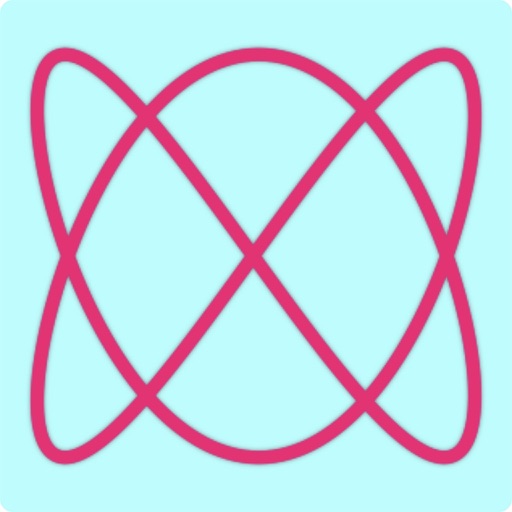
Explore figures by adjusting parameters for two sine waves. Modify frequency, amplitude, and phase for x and y axes. Visualize the resulting patterns in real time. Save and share generated figures.
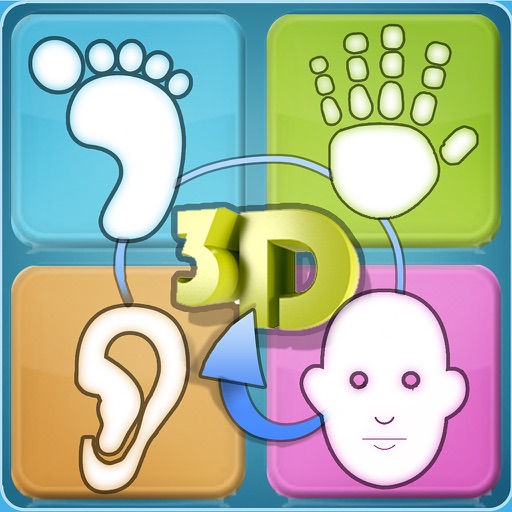
Explore reflexology zones on feet, hands, ears, and face using interactive 3D models and 2D illustrations. Zoom, pan, rotate, and touch 3D models. Search for zones by symptom or system. View detailed information and locate reflex points.
Explore the human brain through interactive augmented reality. Rotate 3D models, zoom in on structures, and label regions. Learn about neural pathways and brain functions. Access detailed explanations and quizzes to test knowledge.
Explore 3D animations of Movement including Dimensional, Defense, Diagonal, Axis & Girdle. Manipulate models to view from different angles. Access detailed explanations of each scale's structure and movement patterns.
Track attendance and homework using a customizable seating chart. Log behaviors like "Talkative" or "Helpful" directly on the chart. Randomly select students for participation and create groups for activities.
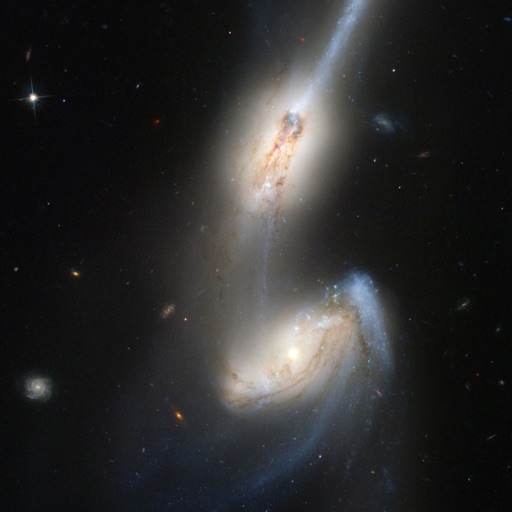
Simulate collisions with realistic physics. Visualize gravitational interactions between stars and centers. Use OpenGL point sprites for detailed rendering. Explore dynamic movements and interactions.
Calming visual with lava-style flowing effects. Users can tap to change flow direction, hold to adjust color, and pinch to modify blob size. Syncs with iPhone or iPad music player. Displays on TV via Apple TV.