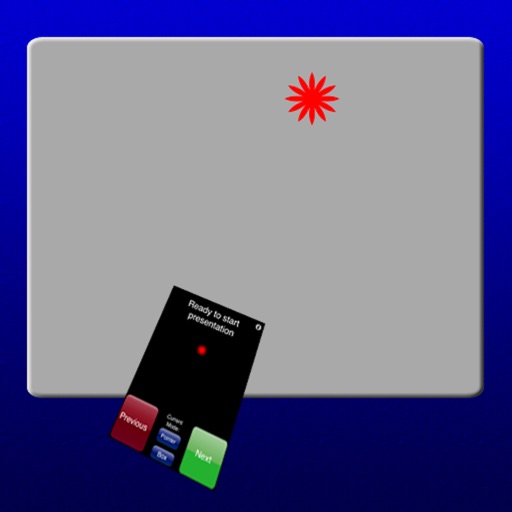
Enable wireless presentation by sending slides and videos from iPad to Mac. Control slide transitions with on-screen buttons. Switch between full-screen and window mode using arrow buttons or ESC.
Browse the internet with enhanced speed and security. Block malicious content and active tracking. Hide traffic from ISP. Use ad-blocking to prevent interruptions. Customize browsing settings for optimized performance.
Broadcast PDF documents to up to 8 devices via peer-to-peer Wi-Fi. Viewers see synchronized screens with zoom and mark-up tools. Presenters can timestamp materials and track active participants. Embed meeting notes and share annotated content.
Create professional presentations with ready-made slides, templates, diagrams, charts, infographics, themes, icons, and graphics. Edit and customize slides, add visuals, and apply design elements directly within .
Create and customize for cross and pixel art. Set grid size up to 1,000 x 1,000. Choose display formats including symbol, fill, and . Use rulers and context menus to copy, move, flip, or clear elements. Duplicate pages and select starting positions.
Read with a live on-screen prompter while recording via front or back camera. Adjust text scrolling speed. Maintain eye contact with the camera by viewing the prompter without looking away.