
Timestamp Camera Basic
玉彬 陈
Add real-time watermarks to media.
The app adds real-time watermarks to photos and videos, including current time and address. Users can customize timestamp formats, fonts, positions, and add custom text or logos.

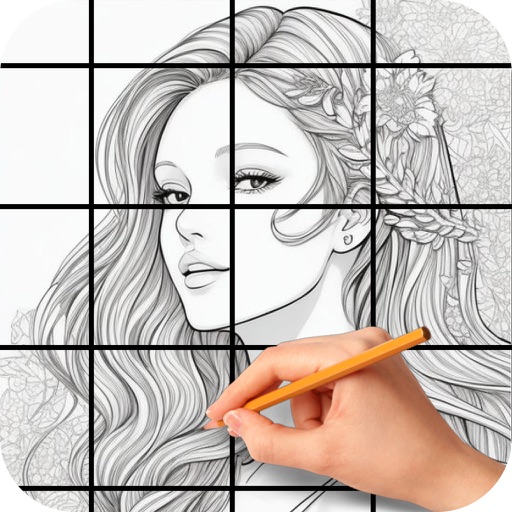
Copy images, scale, and draw precisely
Allows users to draw grids over images for precise copying, scaling, and tracing. Features include adjustable sizes, reference image overlay, and zoom capabilities. Users can export drawings and share files directly.
Showing 21–40 of 1,000 ranked alternatives.
玉彬 陈
Add real-time watermarks to media.
The app adds real-time watermarks to photos and videos, including current time and address. Users can customize timestamp formats, fonts, positions, and add custom text or logos.

Big Idea Design LLC
Draw with AR and sketch accurately
Use the to project real-time grids and guidelines for precise . Adjust grid size, opacity, and angle. Import sketches or paintings for reference. Save and export artwork in various formats. Sync drawings across devices.


Linearity GmbH
Draw vectors, edit curves, export SVG
Create vector art using Bézier tools and Apple Pencil. Convert sketches or photos to SVG format. logos, icons, illustrations, and UI assets. Export vector files for production use. Refine curves and edit vector drawings directly.


Raghvendra Bhargava
Photos with precision and style
Crop and rotate images into various shapes. Add text, arrows, and shapes for annotations. Pixelate sections or draw freehand. Share edited photos directly with contacts.

Shigeru Nakaya
Edit images, add text, share drawings
Edit images by on photos and adding text. Choose from 45 colors and five pen thicknesses. Use zoom editing and undo functionality. Share edited images via email, Twitter, and Facebook.

Mark Craemer
Design graphics, art, and more.
The app provides graphic design and drawing tools for creating sophisticated projects. Users can design and collaborate anywhere, using photos, fonts, and shapes to create various graphics and art.

毅 朱
Draw with 10 pens and create shapes
Allows users to draw on their iPhone or iPad using 10 different pens, including ball pen, pencil, and brush. Users can create various line shapes and images. Drawings can be saved and shared directly from the device.

InQuisiTiVe Media Limited
Words, solve puzzles, win challenges
Solve puzzles by connecting related words in a 16-square grid. Group four words into connected sets. Complete four groupings to finish a round. Progress through eight rounds to advance.
Clayton Kashuba
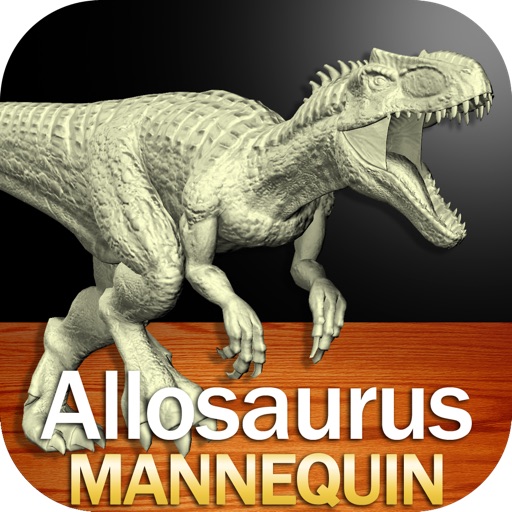
Draw poses and apply skins
Create and customize drawings of an with poseable joints and adjustable limbs. Select from various skins and backgrounds. Adjust camera angles, zoom, and lighting. Use animations to guide realistic poses and movements.
Kristian Olidana
Select colors, import photos, draw realistically
Select presets from brands like Prismacolor and Faber Castell. Import reference images to begin color picking. Choose from predefined sets including 150s, 132s, 72s, and 48s.


Ogun Birinci
Trace photos into clean outlines
Convert photos to clean outlines using one-tap conversion. Trace AR images on paper with resizing, rotating, zooming, opacity adjustment, and alignment locking. Explore 1000+ templates and create text art for crafts, projects, and learning.

Adam McElhaney
Simple tool for drawing and designing.
The app allows users to draw and design with various line weights, colors, and types. It includes tools for adding text, different paper grids, and saving or exporting drawings as pictures or PDFs.

Neat Software Co.
Create , draw, and customize widgets
Create and edit and drawings for home screen and lock screen widgets. Draw with Apple Pencil or finger, type with keyboard. Customize backgrounds, colors, fonts, and zoom for details. Combine text and drawings in one note. Share as images or text.

Clayton Kashuba
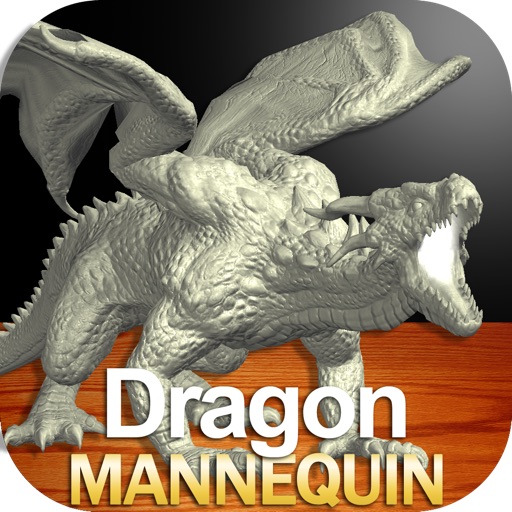
Draw dragons in any pose
Draw a with poseable limbs and adjustable joints for custom poses. Use reference tools and skins to enhance detail and realism. Adjust camera angles and select backgrounds and platforms for accurate drawing.

Apps are ranked by functional similarity, category fit, rating confidence, and popularity.