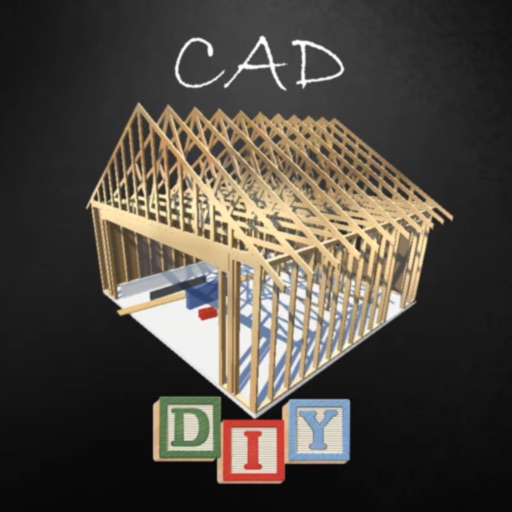
The app allows users to draw technical designs with their fingers on a portable device. Designs can be saved in standard formats, sent via email, or printed.
by Gianluca Natalini★ 5.01 ratingsProductivity$6.99Data updated 2026-09-14
Access clinical guidelines and algorithms from AAFP, AHA, ACC, KDIGO, SCCT, IDSA, and others. Customize institutional algorithms based on workflows and formularies. Integrate with electronic health records.
Creative drawing tools allow users to draw, color, and design with brushes, textures, and shapes. Access a variety of pages featuring animals and educational themes. Erase, resize, and customize artwork. Save and share completed drawings.
Outdoor spaces with AI-powered drag-and-drop tools and birds-eye view. Access a 10,000+ plant library and track growth with care tips. Share ideas and find plant deals through an integrated marketplace.
View 3D models and 2D drawings directly on mobile devices. Support for multiple CAD formats including SOLIDWORKS, CREO, UG, CATIA, and AutoCAD. Collaborate with teams by sharing and reviewing designs remotely.
Access real-time CAD data during station, vehicle, and field operations. View mapping, status monitors, and vehicle/person history. Query information and receive dispatch updates. Syncs with CAD and for Windows versions 4.4 to 4.6.19.
Share projects, with peers, and build relationships
With machinists, engineers, and industry professionals by sharing updates and engaging in discussions. Ask questions, comment, and like posts in a feed focused on real conversations.
Receive real-time alerts with incident details directly on your mobile device. View clear, actionable information without unnecessary clutter. Communicate instantly with team members. Perform rig checks efficiently using integrated tools.
Dimensions, spacing, and angles in screenshots and photos. Analyze color values, grid alignment, and element positions. Export measurements and compare dimensions across images.
Create detailed 3D designs for projects using pre-built libraries of materials like wood and metal. Drag and drop components to assemble models. Export designs for fabrication or measurement. Track project progress and adjust dimensions in real time.
Learn to sketch 2D and 3D views through 10 structured lessons. Practice orthographic projections, 3D object rotations, and flat pattern creation. Complete assignments to improve visualization and technical communication skills.
The app opens and visualizes 3D Creo View files from storage or email attachments. Users can interrogate 3D models using multi-touch gestures, view exploded assemblies, and identify components.
Configure and download 2D/3D CAD models in native format. Interact with models and customize settings. Visualize models on physical products. Share models and data sheets with team members. Access specifications and data sheets.