

Apps Like Asketch for iPhone and iPad
Sketch anywhere, draw anytime
Sketch directly on the screen with pressure-sensitive tools. Adjust brush size and opacity. Rotate, resize, and move drawings. Save and share artwork in various formats. Export as vector or raster files.
Asketch screenshots
Ranked alternatives
Showing 401–420 of 1,000 ranked alternatives.



Oil_Painting
福恩 毛
Create polished oil painting in seconds.
The app transforms photos into painterly artwork with expressive brushwork and multiple canvas styles. It offers a live split preview, curated presets, and the ability to blend effects with the original image.



3draw
Interval Studios Inc
Create art with AR and motion gestures
Create and animate 3D sculptures in real space using AR. Manipulate colorful ribbons with gestures to shape dynamic elements. Overlay creations on real-world scenes via camera. Share interactive art directly from the .


Paint
Alteru Inc.
Draw, decorate, and share imagination easily.
The app allows users to draw on a blank canvas or import photos. Users can add stickers, text, and shapes, choosing from various brush colors and sizes to create unique artwork.

Blur Photo - DSLR Background
Devkrushna Infotech Private Limited
Images and create effect
Allows users to apply effects to backgrounds. Select images from the gallery or capture new photos. Use multiple blurring tools to adjust the effect. Export edited images directly.
iPenPhoto361
tdtom Lou
Paint on photos easily and share.
The app allows users to paint on photos using 13 brushes and pens with varying thicknesses. Users can save and share their creations via email, Twitter, or Facebook.

Drawing Museum | Art Gallery
Masashi Inoue
Create, share, and display drawings
Create and share digital artwork with tools, layers, and color palettes. Upload sketches to a personal virtual . Collaborate with others by commenting and viewing artwork. Export creations in various formats and share via social media or email.
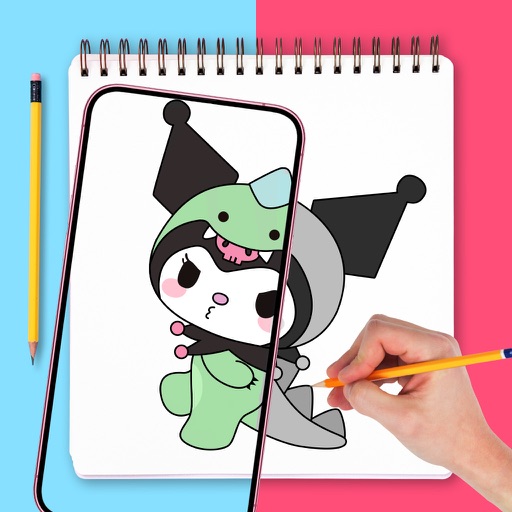
AR.DRAWING Art: Paint & Sketch
TVGSOFT LIMITED
Draw with confidence, with precision
Use augmented reality to draw on any surface. Trace outlines, adjust colors, and add textures. Save and share drawings. Access tutorials for beginners. Export in various formats.

MopiShape
NOKKEUSI Inc.
Draw vector illustrations with bezier lines.
The app is a vector drawing application that utilizes bezier lines for creating illustrations. It allows users to export their work in common image formats like tiff, png, jpeg, gif, and bmp.

Tactilis
SATYAKAM KHADILKAR
Sketching across multiple pages quickly.
The app offers a versatile inking tool for drawing, with over 100 color schemes that preserve the drawing's value scale. It facilitates rapid sketching across multiple pages with minimalist design and fluid navigation.
How we rank alternatives
Apps are ranked by functional similarity, category fit, rating confidence, and popularity.