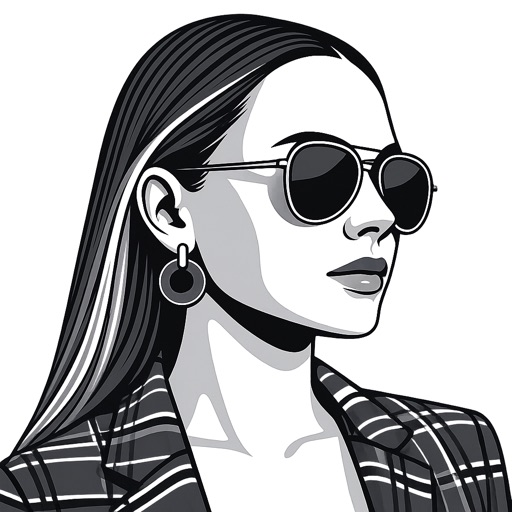
Create artworks from photos or videos using styles like , sketch, oil painting, and watercolor. Choose textures such as canvas or paper. Adjust tones and apply filters. Share creations directly from the .
Convert photos and videos to art with 30+ styles and 10+ effects. Record art videos directly or apply the style to existing clips. Save results as videos, live photos, or gifs. Adjust settings to customize the pixelation effect.
Edit photos and videos with like Analog Noise, Digital Noise, and VHS Noise. Apply such as Color Aberration, Datamosh, and Pixel Sorting. Save edited content as animated GIFs. Export in 4K resolution.
Convert photos to pencil sketches with adjustable effects including ink, outline, stony, charcoal, and cartoon styles. Support black and white and color pencil painting. Apply stylization, high contrast, and other advanced editing tools.
Edit photos and videos into high-quality drawings, sketches, and illustrations. Apply pencil, charcoal, or technical filters. Enhance videos with advanced filters. Export edited content in various formats.
Convert videos and photos into GIFs. Adjust speed, loop, reverse, and change frames. Add filters, effects, text, and animated stickers. Trim, crop, and reorganize frames. Edit individual frames and preserve transitions. Make videos from GIFs.
Apply lo-fi and retro filters to photos and videos. Choose from instant camera, hipster, disposable, and styles. Add grain, vignette, dust, and light leaks. Customize color filters and presets. Save and share edited content.
Learn to with guided lessons, text, voice, and video instructions. Access 1000+ tutorials across all skill levels. Follow personalized learning paths. Use Apple Pencil for . Track progress with structured lessons.
Create realistic artwork with pencil, brush, pen, and marker tools. Import images as layers and edit with eraser, ruler, compass, and other tools. Add stickers and use layer management for detailed painting and design.
Use your phone camera to draw on any surface. Access templates for animals, cars, and nature. Utilize the built-in flashlight for better visibility. Share completed drawings with friends. Create art using augmented reality technology.
On with precise tools. Add text, shapes, and stickers. Insert layers and blend images. Create collages with frames and stamps. Design custom stickers and share directly via iMessage or the .
Draw with pencil, brush, eraser, marker, and pen. Customize brushes with texture and fill colors using a bucket tool. Add text and shapes to drawings. Change backgrounds with color, texture, or images. Use grid for guidance and mirror for faster .
Create drawings and sketches on customizable canvas backgrounds. Record sessions as videos. Share creations with friends. Choose from preset color palettes for different coloring styles.
Videos with timeline editing, transitions, and effects. Add background music and text overlays. Export in various formats and share via social media or email. Collaborate in real-time with team members.
Allows users to import photos and access over 20 ultra-realistic brushes. Create detailed and paintings with adjustable brush pressure and flow. Export artwork in multiple formats and share directly.