Take photos or load images from the library. Add handwritten notes and drawings. Apply filters. Enlarge images for detailed editing. Save original files and multiple sizes. Share via email. Paint on images without access.
by Hiroyuki Fushida★ 3.01 ratingsPhoto & Video$1.99Data updated 2026-09-08
Edit photos with color filters, adjustment tools, and customization options. Apply creative color grading. Export edited images in various formats. Share photos using the #digitalfilmapp hashtag.
Decorate photos with over 400 styled stickers. Place stickers using simple and intuitive controls. Add text, filters, overlays, and frames to enhance images. Supports iPhone, iPod Touch, and iPad.
Edit photos with -themed and creative effects. Choose from gallery or camera sources. Apply enhancements for realistic visuals. Share edited photos directly.
Apply filters to photos and videos for stylized effects. Swap faces in videos for creative self-portraits. Use pose guides and trendy hairstyles to enhance photo composition. Adjust filters and effects for customized artistic outcomes.
Enhance photos with brightness, contrast, and saturation adjustments. Apply , add stickers, frames, and splash. Crop, rotate, flip, and remove red eye. Draw and paint on images. Add text with multiple fonts. Tilt shift and focus available.
Create and share short videos as animated GIFs or MP4. Capture frames with the or import photos, videos, or Live Photos. Apply real-time color filters, add text or frames, and choose stop motion or video mode.
The app allows users to add various mustaches, hairstyles, beards, glasses, and hats to photos. Users can select images from their library or take new ones, then apply filters, frames, and captions.
Enhance low- photos with real-time amplification. Adjust between amplification and exposure modes. Capture details in twilight with up to one-second exposure. View enhanced images instantly without additional hardware.
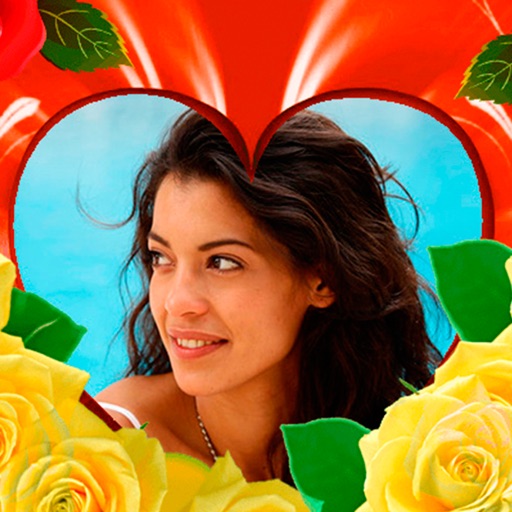
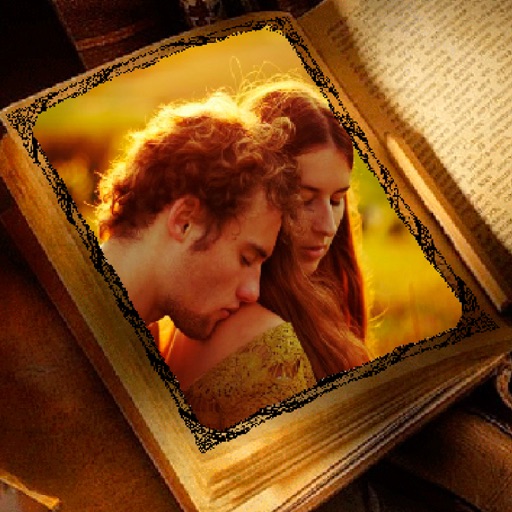
Create greeting by placing photos in flower and nature . Select from various pre-designed or use your mobile gallery or camera. Adjust photos with zoom, rotate, and move gestures. Save and share through social networking apps.
Apply winter-themed to images. Adjust frame opacity and position. Share edited photos directly. Add text overlays and decorative elements. Export in various formats.
Take photos with three quality levels: medium, low, and very low. Apply 18 filters. Capture square images. Adjust saved photo quality to reduce file size. Share directly from the .
Edit photos by blending multiple images together using advanced editing tools. Adjust brightness, contrast, and color. Access a library of preloaded images to mix with personal photos. Export and share edited results.
Create and edit images with basic drawing tools. Draw freehand or use shapes and lines. Add text and colors. Save and share drawings directly. Import and modify existing images.
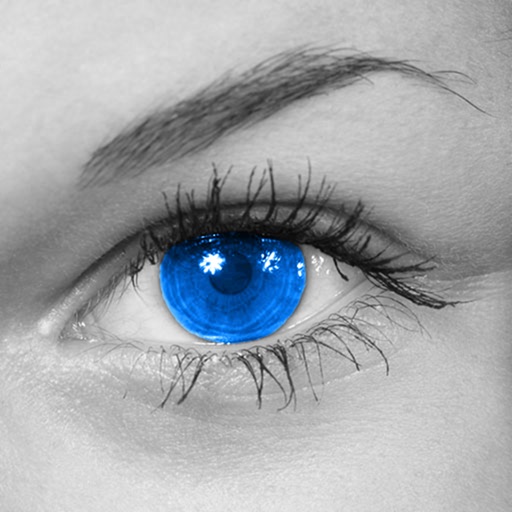
The app converts photos to grayscale while allowing users to selectively recolor areas. Users can paint, zoom, and erase to create color splash images.
The app provides a simple note-taking experience, functioning like a digital pen and paper. It allows users to quickly record information and search notes using AI that finds similar meanings without external communication.
Apply flower to photos from your album. Choose from various like roses, daisies, and sunflowers. Add color filters and adjust appearance. Share edited photos with family and friends.
Take photos with a -style interface. Adjust zoom by swiping left and right. Fine-tune focus and exposure settings. Capture images with enhanced clarity and precision.