Photo Editor - Use Amazing Color Effects
Edit photos, add , and apply filters
Jorge Gregorio Martin Bello
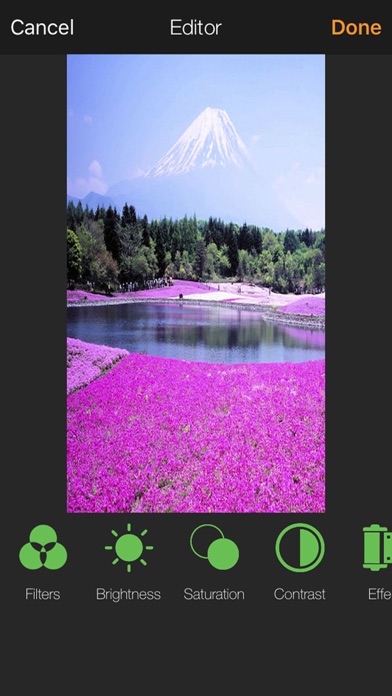
iPhone Screenshots

Description
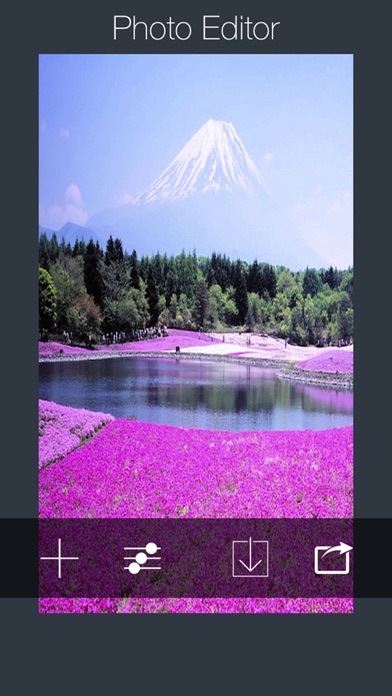
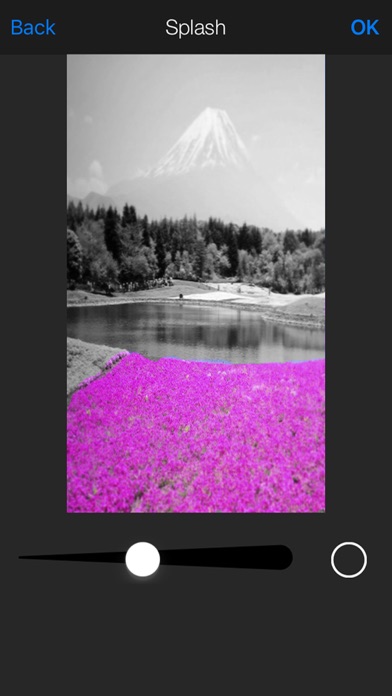
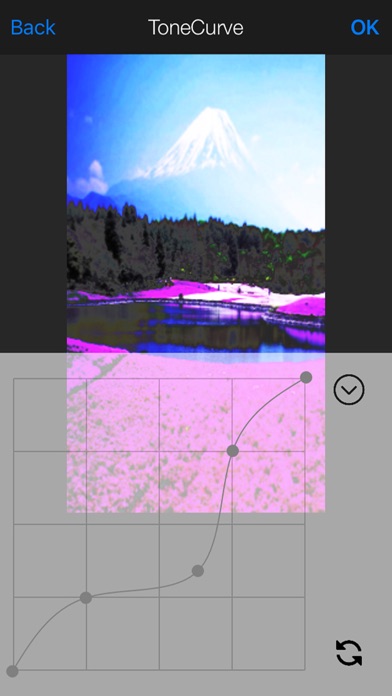
Enhance photos with brightness, contrast, and saturation adjustments. Apply , add stickers, frames, and splash. Crop, rotate, flip, and remove red eye. Draw and paint on images. Add text with multiple fonts. Tilt shift and focus available.
Check the new Photo Editor, is a all-in-one photo editor!
You can enhance your photos, apply effects, add stickers,
filters, paint and add similar effects similar like photoshop.
Here are some of the amazing features:
• Enhance Photos in Seconds
• Add Endless Stickers
• Apply Amazing Effects
• Add Unique Frames
• Use Color Splash
• Crop, Rotate and Flip
• Adjust Brightness, Contrast & Saturation
• Draw and Paint on Photos
• Add Text with Multiple Fonts
• Remove Red Eye
• Tilt Shift / Focus Tool
• Sharpen and Blur Filters
• HD Camera to Take Photos
• Import and Export High-Res Images
• Share Photos with Friends (Twitter, Facebook, Whats up...)
• And Much More!
Photo Editor is free and works across all iOS devices! Check out some of the amazing screenshots.
Download it now!
Some part of the design by freepik.com