Apps Like Color Shine - image splash for iPhone and iPad
Make colors shine in photos.
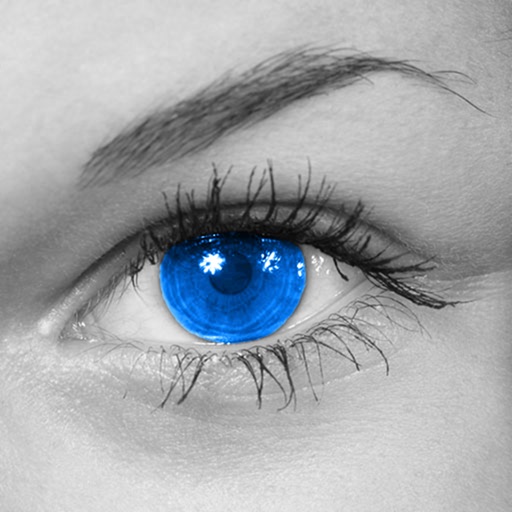
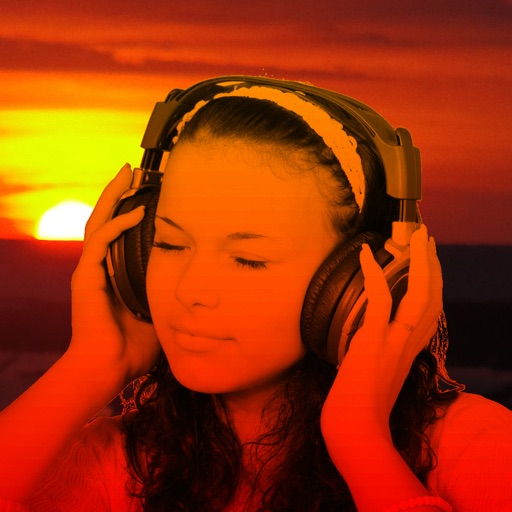
The app converts photos to grayscale while allowing users to selectively recolor areas. Users can paint, zoom, and erase to create color splash images.
by Alexander Dr. Rieger★ 3.85 ratingsPhoto & VideoFreeData updated 2026-10-01
The app converts photos to grayscale while allowing users to selectively recolor portions of the image. Users can paint, zoom, and erase to create unique color splash effects and share their creations.
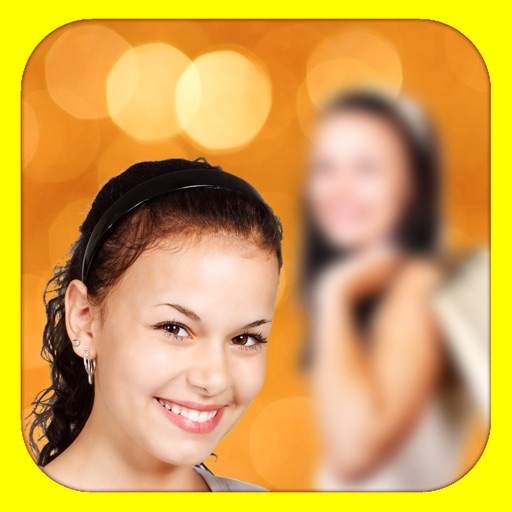
The app adds depth of field to images, creating realistic blurs with Bokeh effects. Users can adjust blur amount, paint focus areas, and share creations on social media or save them.
Edit photos with enhancement tools, effects, and color splash. Add stickers, frames, and overlays. Create collages and custom drawings. Crop, rotate, flip, and straighten images. Adjust brightness, contrast, and saturation.
Edit photos with AI auto-beautification, facial retouching, and skin smoothing. Adjust features, enhance lighting, and apply filters. Save and share edited images directly.
Convert photos into limited-color posters with a effect. Apply filters to adjust colors and brightness. Share images on social media platforms like Facebook and Twitter. Save or email the edited photos directly.
Edit photos and videos with face filters for skin smoothing, glowing effects, and natural enhancements. Adjust hairstyles and body shape for realistic alterations. Apply AI-powered tools for instant, professional-looking results.
Edit photos by converting them to black and white while retaining selected details. Use multi-touch gestures to paint areas in black and white or restore original colors. Zoom in and out with two-finger pinching. Adjust and export edited images.
Backgrounds from images with precise touch or auto-target tools. Maintain transparency for use in apps like Keynote or Pages. Edit pixels for accuracy and erase or restore specific areas.
The app adds depth of field to images, creating realistic blurs with Bokeh effects. Users can adjust blur amount, use finger painting to mask focus regions, and share creations on social media or save them.
Convert photos into sketches or cartoon avatars using 50+ effects like , Memory Style, and Old Movie Style. Apply 50+ cartoon effects to create humorous or artistic images. Save and share the edited photos directly.
Create digital art with drawing and painting tools. Use a wide range of brushes and customize settings for precise control. Add motion with animation tools and motion paths. Utilize symmetry guides for balanced designs.
Capture photos and videos with a Glitter effect for enhanced visual appeal. Edit media from the gallery. Create kirakiragraphs from still images. Swipe left or right to navigate.
Remove from images using AI-powered auto cutout. Star mode enhances edge detection for precise erasing. Auto mode automatically deletes similar pixels. Export transparent images for use as in other apps.
Convert to grayscale and highlight a specific . Tap to select the to emphasize. Preserve detail and apply effects using advanced computer vision. Export edited images directly.
The app transforms user photos into oil paintings with a brush and oil color effect. Users can apply the oil filter to images and share them on social media or save them.
Create videos and photos with dynamic movement and sound . Apply pre-designed to photos, videos, or slow-motion clips. Customize during recording or import existing media. Share edited content directly.