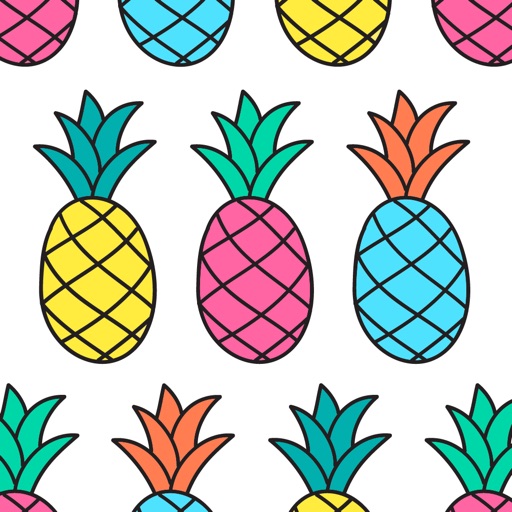
The app allows users to create color patterns and apply them to photos. Users can define custom patterns by adjusting colors for gray levels or modify existing ones.
by Sebastien BUET★ 2.911 ratingsPhoto & Video$1.99Data updated 2026-10-28
Edit photos with filters, light overlays, and aesthetic design elements. Crop, resize, and add borders or shapes. Create collages with multiple layout templates. Include stickers and share edited images on Instagram or Facebook.
Color images using -stitch patterns from categories like animals, flowers, and landscapes. Import personal images or select from gallery patterns. Save and share completed artworks. Track progress and customize stitch details.
Take photos and apply artistic filters such as cartoon, comic, , and oil painting styles in real-time. Adjust filter settings instantly. Export edited images in various formats. Share directly from the .
Turn photos of pets or objects into customizable patterns for lock screens. Create animated patterns and save as live photos, videos, or GIFs. Use AI to cut out subjects or trace manually. Choose from suggested colors and palettes.
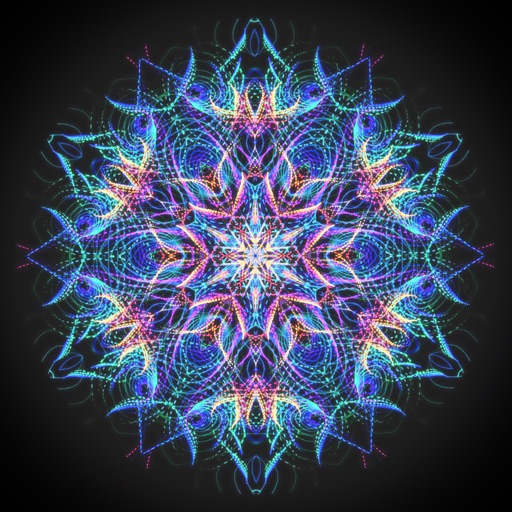
Create animated swirling patterns and kaleidoscope artworks. Select from various brush styles and color palettes. Adjust speed and symmetry settings. Save and share generated artwork. Relax through interactive, meditative visuals.
Color images using -stitch patterns from categories like animals, flowers, and landscapes. Import personal images or select from a gallery. Create custom artworks and save progress. Share finished pieces.
Create custom black-and-white line drawings using AI prompts. Draw freely with customizable tools. Access a global community for sharing and feedback. Save and export artwork in various formats.
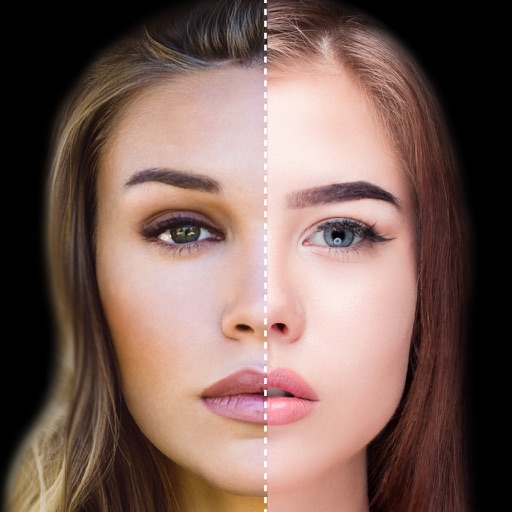
The app offers professional beauty tools for skin makeovers and selfie filters. It includes various camera lenses, silent mode, and collage features for sharing on social networks.
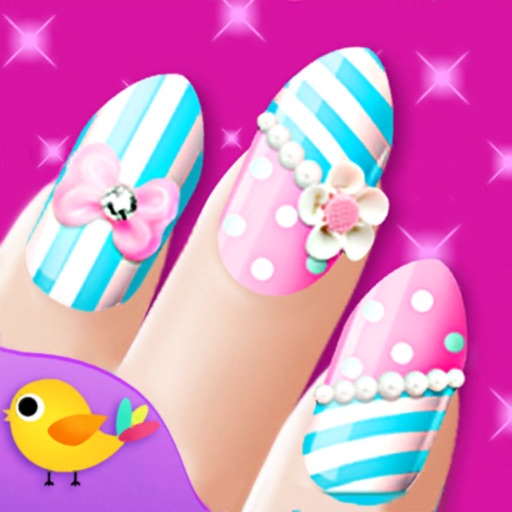
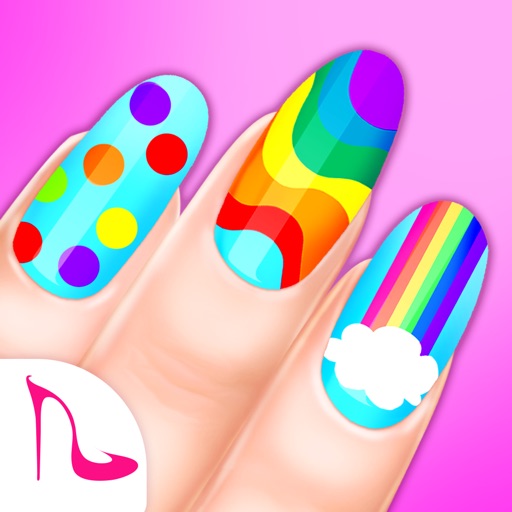
Create manicure designs by selecting skin tones and polish colors. Apply rhinestones, crystals, diamonds, gemstones, pearls, stickers, patterns, fimo, and resin. Customize designs or choose from pre-made salon options.
Create collages by selecting photos and choosing from templates. Add backgrounds, colors, doodles, and stickers for customization. Share collages directly to social media profiles.
Create images from text using generative AI. Adjust colors, styles, and details manually. Save and share generated visuals directly. Explore diverse artistic interpretations based on text input.
The app converts photos into pencil sketches and offers a collection of coloring pages. Users can select photos from their album or take new ones with the camera to create sketches.
Manage camera photos and videos with . View, share, and analyze images. Configure cameras remotely. Combine weather and solunar data for pattern recognition. Request high-definition media on demand.
Create collages by selecting from 1000+ layouts, grids, and templates. Add photos, adjust sizes, and apply filters. Share collages directly to social media or via email. Edit text, add stickers, and crop images within the .
Create collages by selecting multiple images and arranging them in different grid layouts. Add frames from a collection of 100+ designs to enhance images. Build personal stories by organizing photos and sharing them directly.
Find lookalikes using AI. Create collages with gradient face-to-face effects. Share with hashtag #looklikeme. Transform photos into art with AI styles. Upscale images for better clarity. No photo storage.
Art game allows users to clean nails, shape them, and apply polish. Add patterns, crystals, and jewelry. Take photos of finished designs. Share creations with friends.
Create collages by combining up to 16 photos. Choose from 250+ templates. Import and resize photos. Customize with backgrounds, frames, stickers, and text. Adjust angles and select from various fonts and colors.