The app allows users to create color patterns and apply them to photos. Users can define custom patterns by adjusting colors for gray levels or modify existing ones.
by Sebastien BUET★ 2.911 ratingsPhoto & Video$1.99Data updated 2026-10-28
Create collages by combining up to 16 photos. Choose from 250+ templates. Import and resize photos. Customize with backgrounds, frames, stickers, and text. Adjust angles and select from various fonts and colors.
The app allows users to blur or pixelate photo areas by tracing with a finger. It offers various mosaic types, thickness grades, and automatic blurring for license plates and faces.
Create and save custom watermarks using logos or preset templates. Apply watermarks to photos and videos. Batch multiple files at once. Preview and adjust placement before saving.
The app allows users to blend two photos for a double exposure effect. It offers five artistic photo collections and various real-time blend modes for improvisation.
Create intricate designs, patterns, and mandalas using intuitive drawing tools. Use a single stroke to generate complex artwork. Access a variety of brushes and color options. Save and share creations directly.
Create custom designs with photos using templates, fonts, filters, frames, and hand-crafted stickers. Organize and save moments. Share edited photos directly.
Create custom mosaics and video mosaics using images from device or social accounts. Analyze colors and shapes to generate personalized mosaics. Adjust settings for customization. Zoom in for detailed viewing.
Create flyers, posters, logos, and social media graphics with customizable fonts, filters, shapes, and artwork. Add text, adjust colors, and export designs for print or online use.
Capture photos and videos with and effects. Adjust filter intensity and view heat patterns in low-light conditions. Record and save footage with simulated infrared visuals. Share captured content directly.
Create and share short videos as animated GIFs or MP4. Capture frames with the or import photos, videos, or live photos. Apply real-time color filters, add text or frames, and record stop motion.
Rtwork using AI algorithms. Select styles and color schemes. Adjust parameters for creative control. Export images in various formats. Share creations directly.
Combine multiple photos into customizable frames or collages with 55 adjustable templates. Add rounded corners, effects, shadows, and patterns. Choose colors using an easy color picker. Save projects and share via Facebook, Email, or Twitter.
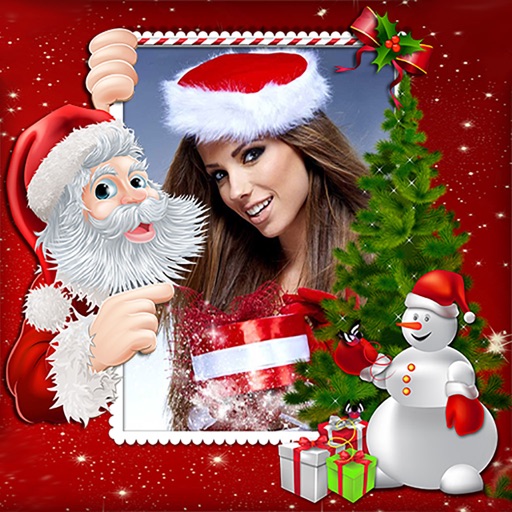
Create holiday e-cards by selecting from 40+ photo frame templates. Choose a photo from the gallery or camera. Apply effects to personalize cards. Save and share finished designs.
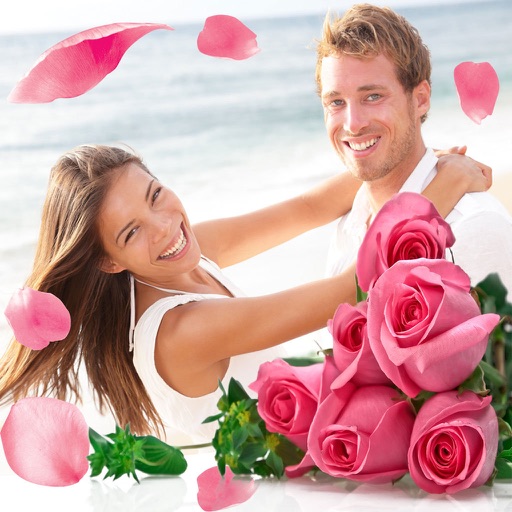
Apply flower to photos from your album. Choose from various like roses, daisies, and sunflowers. Add color filters and adjust appearance. Share edited photos with family and friends.
Create videos by selecting from camera or gallery. Adjust frame duration and apply effects, filters, themes, doodles, and stickers. Add music and create slideshow animations gif memes and stickers.