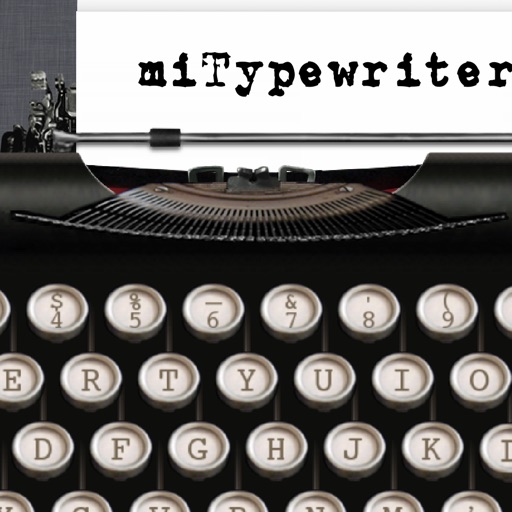
The app presents a typewriter interface on an iPhone or iPod Touch. Users can manage documents, email content as text or images, and utilize features like a backspace key and external keyboard support.
by Teruaki Onoda★ 4.47 ratingsLifestyle$1.99Data updated 2026-09-13
Visualize layout changes across devices and orientations
Visualize how Size Classes, margins, and safe areas adjust across device orientations and iPad multitasking. View layout changes with Dynamic Type size variations. Browse SF Symbols data sets across iOS versions with localization and name changes.
Type language using a customizable keyboard layout. Support swipe gestures for faster typing. Allow custom key arrangements. Enable text prediction and autocorrect. Save and switch between multiple keyboard layouts.
Create and save multiple timers with customizable settings. Set time limits for color changes and thresholds. Adjust colors and animations. Track elapsed time with inverted colors after reaching zero. Control timers with simple touch gestures.
Display game numbers and prizes on the screen. Choose from 50 patterns or use custom ones. Select from 14 background colors. Call numbers manually or automatically. Use text-to-speech for called numbers. Connect via HDMI or AirPlay to a TV.
Read, write, and interact with NFC tags on compatible iPhones. Create and edit NDEF records. Format tags in advanced mode. Access tag-specific features like URL launching and actions. Write directly to tags without external hardware.
And through hand-drawn practice. Draw characters on screen and type using keyboard. Build muscle memory with interactive exercises that require repeated practice. Focus on real script formation and word recognition through active engagement.
Access encrypted virtual disks from iPhone or iPad. Open images via local file system or import from other apps. View and retrieve files stored in VeraCrypt, TrueCrypt, LUKS, DMG, or ProxyCrypt volumes.
Customize keyboard appearance with themes, fonts, and design elements. Choose from pre-made or create custom layouts. Adjust colors, patterns, and visual effects. Apply changes instantly to the on-screen keyboard.
Manage SSH connections with password or key authentication. Connect to servers using DSA, RSA, ECDSA, or Ed25519 keys. nd store keys securely. Support FIDO keys and Enclave. Transfer files via Sixel, iTerm2 image, ZModem, and Trzsz.
Create high-quality PDF or JPG scans with one tap. single or multi-page documents. Share files via email or cloud services like iCloud Drive, Dropbox, Google Drive, and Evernote. Automatically detect edges and enhance quality.
Switch between , English, and Russian languages by swiping on the space bar. Type in using English or Russian keyboards in translit mode. Use abbreviations like 'ut' for 'utyun' or 'ak' for 'akyun' to speed up typing.
Monitor and send messages to connected devices. Visualize incoming data. Test setups with keyboard or sound expander. Identify device messages and troubleshoot connections. Support for Apple USB camera adapter and other compatible adapters.
Calculator allows users to perform basic and advanced mathematical operations. Input and display numbers with large, clear buttons. Correct entries using a backspace key. Support decimal points and parentheses for complex calculations.
Create and edit music using a nonlinear time engine with time-bending playheads. Automate parameters and control multiple playheads in a single grid interface. Sequence notes and manipulate tempo for complex compositions across iPad, iPhone, and Mac.