
iPhone Screenshots



Description
Access encrypted virtual disks from iPhone or iPad. Open images via local file system or import from other apps. View and retrieve files stored in VeraCrypt, TrueCrypt, LUKS, DMG, or ProxyCrypt volumes.
Access encrypted virtual disks on iPhone & iPad. Open VeraCrypt, TrueCrypt, LUKS, DMG, ProxyCrypt and more—securely, anywhere.
Disk Decipher supports many advanced features. Full compatibility details and documentation are available on the support site: https://disk-decipher.app.
Highlights:
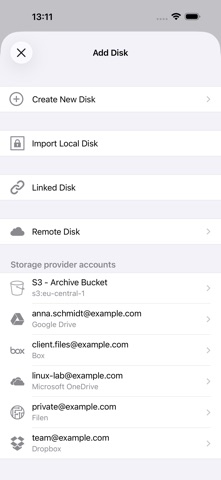
- Freedom of storage - Keep your disk images on your device, on an external disk or NAS, or in the cloud
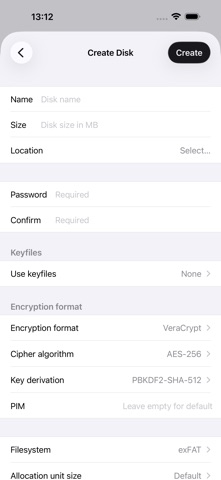
- Broad disk‑image compatibility – VeraCrypt, TrueCrypt, LUKS, DMG, Apple sparse image/bundle, ProxyCrypt
- Native file‑system handling – FAT, exFAT, NTFS, HFS, APFS, Linux ext (*)
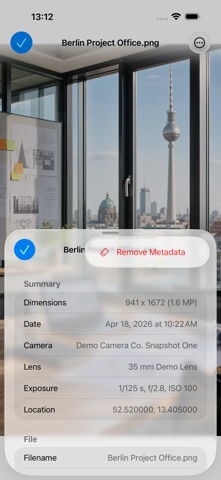
- Rich viewer & media playback – Work securely with your files within the app, or use the File Provider integration across apps
- Secure authentication options – Password, passcode, Touch ID, Face ID; Keyfiles, smart-card and FIDO2 security key.
(*) exFAT and write support for HFS, APFS and NTFS are offered as optional in-app purchases to cover patent and licensing royalties.