The app allows users to apply various effects to pictures using finger-painting techniques. Users can adjust brush properties and image effects, with processing done at original resolution.
by Voxeloid Kft.★ 4.213 ratingsPhoto & VideoFreeData updated 2026-09-11
Draw with pencil, brush, eraser, marker, and pen. Customize brushes with texture and fill colors using a bucket tool. Add text and shapes to drawings. Change backgrounds with color, texture, or images. Use grid for guidance and mirror for faster .
Create pixelated photos with customizable frames. Apply blur and black-and-white effects. Adjust touch controls for creative effects. Choose from available frames or customize your own. Export and share the final image.
Create digital art with drawing and painting tools. Use a wide range of brushes and customize settings for precise control. Add motion with animation tools and motion paths. Utilize symmetry guides for balanced designs.
The app adds real-time watermarks to photos and videos, including current time and address. Users can customize timestamp formats, fonts, positions, and add custom text or logos.
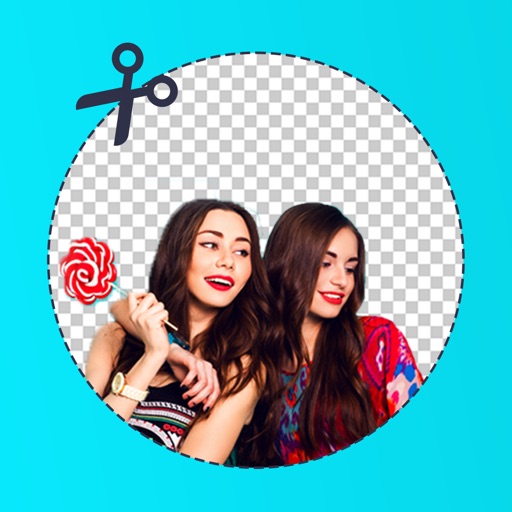
Remove from images using AI-powered auto cutout. Star mode enhances edge detection for precise erasing. Auto mode automatically deletes similar pixels. Export transparent images for use as in other apps.
Pages from popular comics like Guardians of the Galaxy and Doctor Strange. Add using tap-to-fill and brush tools. New pages are added weekly. Save and share completed artwork.
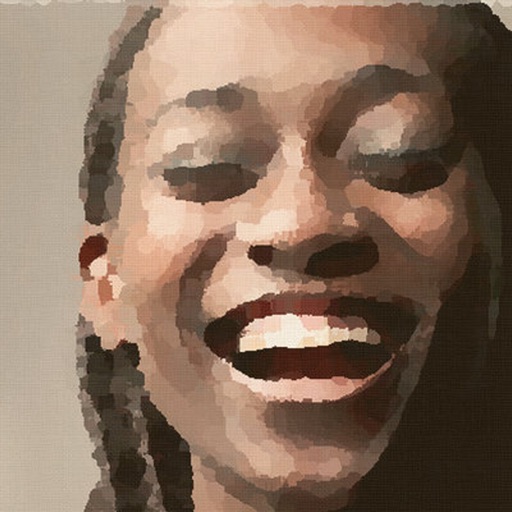
Transform photos into , oil, digital, or contemporary art styles. Apply artistic effects with one tap. Adjust brush size, color, and texture. Save and share edited images directly.
Create art using realistic and watercolor effects. Draw with tools like marker, airbrush, crayon, and eraser. Apply fluid-based watercolor effects in the full version. Adjust colors and blend textures for detailed illustrations.
The app allows users to take photos with adjustable filters and parameters. It supports multiple filters applied simultaneously to pictures taken or stored on the device.
Edit photos by removing backgrounds with mode, object extraction, and quick select tools. Use transparent backgrounds for stamps and collages. Share edited images directly with other apps.
Edit photos with , cropping, and adjustment tools. Add text, stickers, and effects. Export in multiple formats and share directly. Supports videos, Live Photos, and works across iOS and Mac devices.
The app provides tools for image adjustments like saturation and contrast. It offers light leaks, emulsion, grain, and scratch effects to mimic vintage cameras.
Arthur Eduardo Skaetta Alvarez Desenvolvimento de Software LTDA.
Convert photos to sketches
Convert photos into various styles like , colored, painting, and comic. Adjust brush thickness for customization. Save high-resolution sketches for sharing or printing.
Capture with real-time live effects and color presets. Apply adjustable effects and enhance colors simultaneously. Use screen flash for better results in low light. Share directly from the .
The app is a bitmap image editor for creating custom glitch effects. Users can layer filters, pixelate images, adjust color and orientation, or apply multiple filters at once.