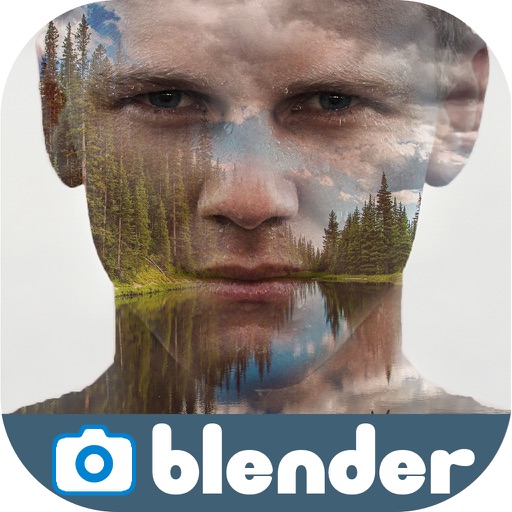
Merge multiple photos into a single artwork by selecting and combining image sections. Remove or re-add parts using finger painting techniques. Adjust brush settings for precision.
by Voxeloid Kft.★ 4.71,877 ratingsPhoto & VideoFreeData updated 2026-09-08
Remove backgrounds from photos using AI-powered erasing. Select and isolate subjects with precision. Adjust edges and refine details. Export edited images in various formats. Share directly or save to device storage.
Book allows users to color pages with finger painting tools. Select from various holiday-themed images. Save and share completed artwork. Includes interactive elements and sound effects.
The app offers a simple and nice design for users of all ages to enjoy. Users can choose colors, patterns, and brush types to color drawings and clear the canvas.
Take photos and videos with adjustable settings. Apply free filters and themed stickers. Enhance skin tone, smooth features, and adjust facial elements like eyes and lips. Save and share edited content directly.
Create art with drawing and painting tools including Standard Brush, Eraser, Serpentine Brush, Pulse Brush, and Confetti Brush. Adjust stroke properties based on Apple Pencil pressure and tilt.
The app uses an automatic colorization technique based on scribbles to change object colors in photos. Users can mark parts of an image with any color and the app will apply the changes.
Remove backgrounds from images using AI technology. Adjust and replace backgrounds with white or custom colors. Export edited images in various formats. Share directly from the .