Merge multiple photos into a single artwork by selecting and combining image sections. Remove or re-add parts using finger painting techniques. Adjust brush settings for precision.
by Voxeloid Kft.★ 4.71,877 ratingsPhoto & VideoFreeData updated 2026-09-08
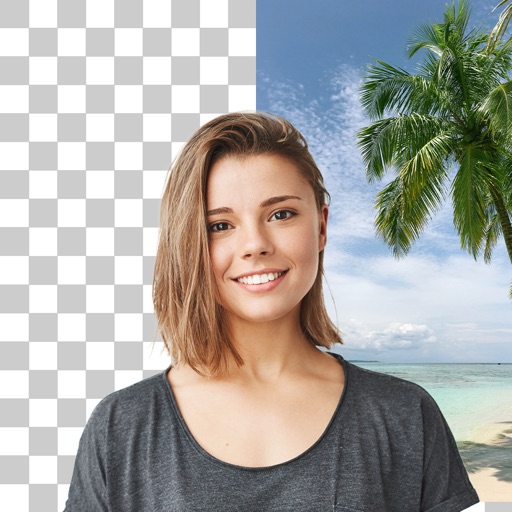
Remove backgrounds from photos with AI-powered detection. Select transparent, white, or custom backgrounds. Edit images by removing people, faces, products, animals, text, and objects. Export edited images in various formats.
Create 3D drawings using finger gestures without glasses. Design custom 3D brushes. Choose from 8 background patterns or generate them from photos. Adjust brush settings based on pressure for 3D Touch devices.
Enhance photos by sharpening details and reducing blur. Automatically repair imions and improve image quality. Add color to black and white images for a natural appearance.
The app allows users to create finger paintings with adjustable opacity and brush sizes. Users can mix custom colors, utilize a palette of 10 colors, and an eraser.
Edit photos with cropping, filters, and adjustments. Remove unwanted objects or people using the Magic tool. Replace backgrounds to create montages. Create collages with pre-designed templates. Export edited photos in multiple formats.
Remove unwanted backgrounds or objects from photos. Edit images to make backgrounds transparent. Add custom backgrounds for improved visuals. Erase specific areas for enhanced photo quality. Save and share edited images directly.
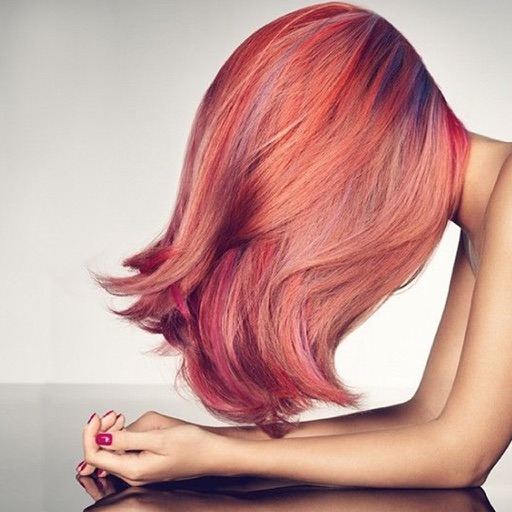
Change in photos by selecting multiple shades and applying them to strands. Brush to highlight sections. Save edited images to gallery or email to friends.
The app offers a universal painting experience for all ages with 140 unique brushes and special drawing modes. Users can create artwork in seconds using a variety of colors and effects, with options for saving and exporting creations.
Create graffiti art using realistic cans in various colors and sizes. Choose colors and sizes to paint on a virtual wall. Delete or undo drawings. Share artwork with friends.
Photos by selecting and painting over areas with a magnifying glass tool. Adjust intensity and apply pixelation effects. Remove blemishes and add filters. Export edited images in high resolution.
The app allows users to pixellate parts of photos to hide or obscure areas. It can also be used to create humorous and interesting visual effects from normal photos, encouraging creative use of imagination.