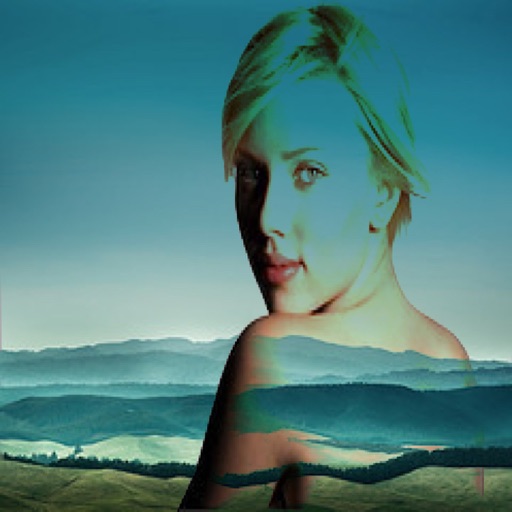
Merge multiple photos into a single artwork by selecting and combining image sections. Remove or re-add parts using finger painting techniques. Adjust brush settings for precision.
by Voxeloid Kft.★ 4.71,877 ratingsPhoto & VideoFreeData updated 2026-09-08
The app offers a fullscreen workspace with support for device orientation and multiple canvas sizes. It includes 145 brush markers, layers, zoom functionality, and brush configuration saving.
Blend RAW photos with live layer control. Adjust exposure per layer and modify layers by pinching, rotating, scaling, or moving. Merge, reorder, hide, or delete layers. Supports DNG, CR3, NEF, and AR formats.
Remove backgrounds and unwanted objects from photos and videos using AI. Tap to remove backgrounds, swipe to erase objects. Edit media quickly with precision. Export edited content directly.
The app allows users to combine two images using various blend modes. Users can select photos from their device or the web and adjust layer transparency.
The app offers an unlimited size canvas and layers for creative freedom. It includes over 100 preset brushes simulating various painting styles and allows playback of the entire painting process.
Create and animate drawings with a variety of painting tools and brushes. Record and share artwork as videos. Use a whiteboard for tutorials and pitch recordings. Access symmetry and guides for precision. Export creations in multiple formats.
Edit photos by removing and replacing backgrounds using AI-powered tools. Cut out people or objects with precise edges. Add custom backgrounds, blur backgrounds, or erase unwanted areas. Save edited images in various formats.
The app allows users to apply photo brushes to transform pictures into paintings. It offers 20 kinds of art photo brushes with adjustable direction, hue, saturation, and blur, and includes an auto painting mode.
Perform one-click matting for intelligent background removal and hair-level precision. Use smart daubing to eliminate unwanted objects. Manually adjust matting with custom brush or eraser tools. Export edited images directly.
Create art by writing your and applying a focus filter. Add text and artistic elements to design a painting. Save or share the artwork as a profile picture, banner, or social media message. Customize the canvas with various styles and colors.