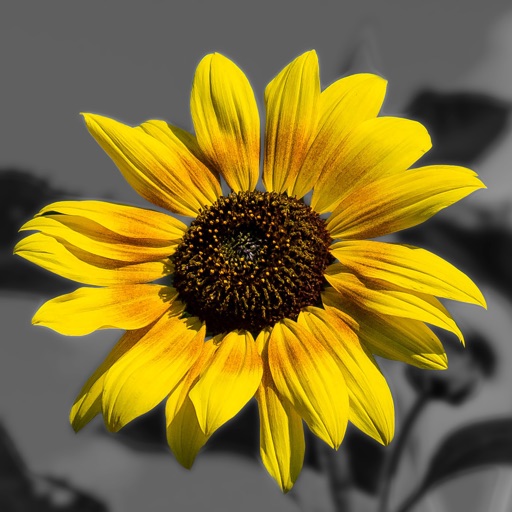
Edit photos by converting them to black and white while retaining selected details. Use multi-touch gestures to paint areas in black and white or restore original colors. Zoom in and out with two-finger pinching. Adjust and export edited images.
by Pocket Pixels Inc.★ 4.96,491 ratingsPhoto & Video$1.99Data updated 2026-11-12
Play with single or two player modes. Choose from easy, medium, or hard AI opponents. Customize board and background themes. Highlight moves for clarity. Set match points and use the doubling cube. Play as White or Black chips.
The app allows users to create collages for iPhone or iPod Touch wallpaper using a multitouch interface. It offers creative options such as a black-and-white or sepia converter, border addition, and transparency adjustment.
Create gallery-style portraits from images using automatic painting tools. Add color, light, and texture for realistic effects. Choose between classic-style brushes or modern-colored options. Save and share finished artworks.
FACE & BODY TUNE PHOTO EDITOR, SOCIETATEA CU RASPUNDERE LIMITATA
Recolor in real time
Select and recolor specific sections with a precise brush. Preview different options and adjust intensity. Compare before and after views to choose your desired look.
And videos to obscure specific areas or entire footage. Adjust shapes, trace with finger, or auto- faces and cars. Process audio and change speed. Create fluffy effects.
Apply HDR to photos to enhance light and detail ranges. Adjust exposure, contrast, and color balance. Export edited images in high quality. Share directly to social media or messaging apps.
Edit photos by converting them to and and selectively adding with brush tools. Choose from various brush sizes and styles. Apply filters for creative effects. Undo changes with a single tap.
Turn photos into drawings, cartoons, or sketches with one click. Apply various effects including black strokes, white strokes, pastel, and halftone. Adjust edge strength, opacity, contrast, brightness, and saturation.
Create custom mosaics and video mosaics using images from device or social accounts. Analyze colors and shapes to generate personalized mosaics. Adjust settings for customization. Zoom in for detailed viewing.
Create social media posts, flyers, collages, logos, and wallpapers with drag-and-drop tools. Use pre-designed templates for Instagram, Facebook, and phone wallpapers. Add text, images, and graphics.
Edit photos with AI-powered tools, intuitive gestures, and customizable sliders. Adjust exposure, colors, and clarity. Add text, stickers, and borders. Export in various formats and share directly. Sync edits across devices.
Create and edit drawings with brush, blur, eraser, fill, pen, pixels, procedural, select, smudge, text, and vector tools. Work with hundreds of layers. Participate in daily drawing challenges, competitions, and collaborative co-ops.
Create realistic artwork with pencil, brush, pen, and marker tools. Import images as layers and edit with eraser, ruler, compass, and other tools. Add stickers and use layer management for detailed painting and design.
Play puzzles with customizable themes and three difficulty levels. Choose from themed or foreign lists. Save progress automatically and compete on a local scoreboard. Share puzzles via email.