Analyzes audio using Fast Fourier Transform to display amplitude vs. frequency graphs. Displays detailed spectral analysis in octaves. Supports iOS microphone or external microphones for accurate measurements.
by Andrew Smith★ 4.06 ratingsMusic$10.99Data updated 2026-09-08
Udio signals with adjustable parameters and frequency up to 20 kHz. Create single signals, sweeps, or merged signals. Control duty cycle, frequency, and waveform type. Export generated audio files.
Measures environmental noise and displays values through a gauge and graph. Shows current noise reference and min/avg/max levels. Allows device-specific calibration. Displays data in multiple formats.
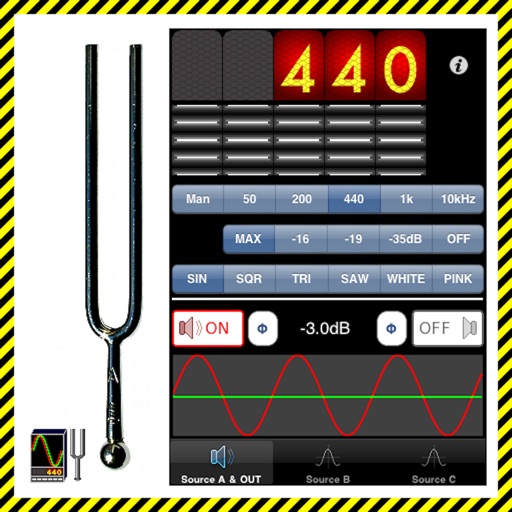
The app generates test tones including sine, square, triangle, sawtooth waves, and noise. Users can combine up to four independent sources with phase switching for each channel.
Udio tones with four waveforms: sine, square, saw, and white noise. Adjust frequency using a slider or numeric input. Control amplitude with a dB-style slider. Pan sound left or right with a slider. Toggle sound output on or off.
Analyze audio signals with FFT spectrum analysis and oscilloscope display. Generate test signals and measure frequency responses. Sync FFT sweeps for real-time frequency characteristic observation. Input signals via connected devices.
Transforms iPhone into a chromatic and . Detects pitch and displays frequency. Adjusts tempo and beats per minute. Customizable settings for tuning and rhythm. Syncs with audio input for real-time feedback.
The app is a virtual analog synthesizer with a SuperSaw sound emulation. It features two filters per voice with 16 available types and a Morph Group function for parameter modulation.
Measure and analyze sound with real-time decibel readings and color-coded safety indicators. Track minimum, maximum, and average levels. Save measurements with location and notes. Receive warnings at dangerous sound levels.
Analyze audio signals with features including triggering, time and voltage per division, and measurement cursors. Generate signals with adjustable frequency and waveform.
View and pay bills with real-time updates. Access historical usage data in graph form. Manage payment schedules and notifications. Retrieve past payment records. Set up automatic payment options.
Create and manipulate sounds using additive synthesis. Adjust tuning tables and modulation parameters. Use MPE for multi-touch control. Manage presets with a new preset manager. Adjust waveform shapes and filter settings.
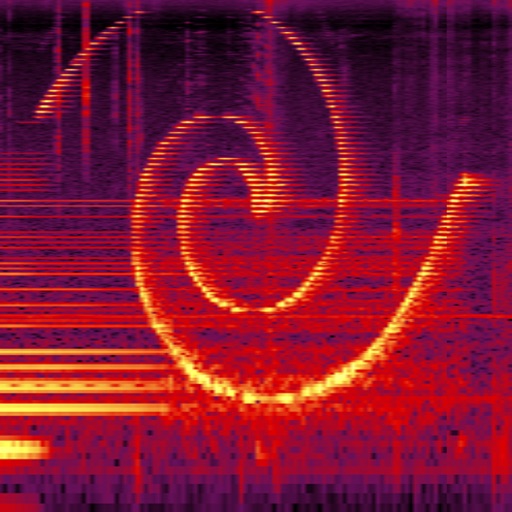
Perform real-time spectral analysis of sounds. View images with adjustable FFT-resolutions, frequency and amplitude scales, and color schemes. Save and share spectrograms. Access bode plot modes with averaging and maximum calculations.
Create and manipulate synth sounds with oscillators, filters, and envelopes. Adjust parameters for tone shaping and modulation. Save and load presets. Export audio files and integrate with digital audio workstations.