Create LED banners and marquees by entering text or emojis. Choose from dynamic, static, or flashlight modes. Customize text and background colors. Adjust text movement direction and brightness. Support AirPlay for screen mirroring.
Print documents and photos directly from an iOS device. Choose files from Dropbox or Google Drive. Customize with built-in tools. Support for 20+ file formats including PDF, DOCX, JPG, CSV, and TXT. Scan documents and photos for printing.
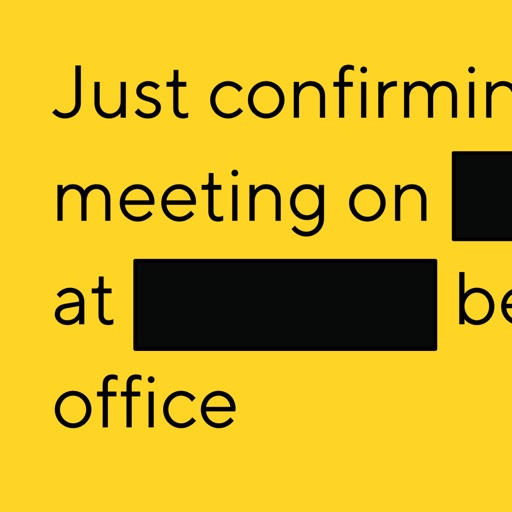
Allows users to photos using AI to separate subjects from backgrounds. Apply motion or censor sensitive areas. Adjust intensity and export edited images.
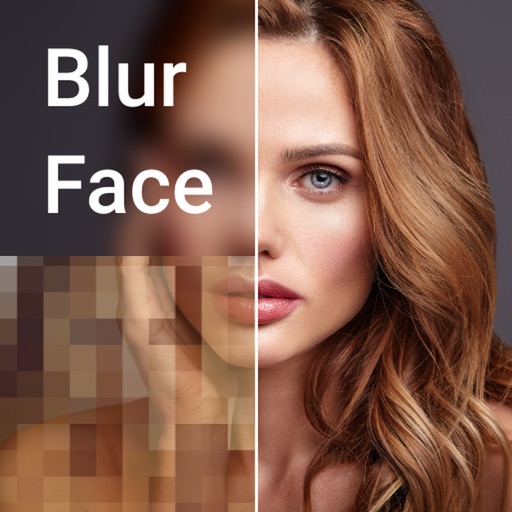
Editor lets users backgrounds, , or specific areas of images. It offers automatic , hand-drawn , face blurring, and various effects. Users can adjust intensity and apply the effect to selected regions.
Edit PDFs with text, image, and layout modifications. Read with AI summaries, highlights, and customizable themes. Annotate using highlights, notes, and sketches. Fill and sign forms interactively. Convert PDFs to Word, Excel, PPT, images, and TXT.
In and out up to 15x while taking photos using a slider. Auto-stabilize images and videos. Adjust photo quality automatically. Use timer settings for 3, 10, or 20 seconds. Enable tap-to-shoot or swipe-to- options. Video available via in- purchase.
And PDF documents to reduce file sizes by up to 90%. Choose from three compression levels and view space savings. multiple files at once. text, images, and formatting within PDFs. Save and share compressed documents directly.
Convert photos into printable pages with customizable line art. Select from artistic styles and color sections by tapping. Print or share high-resolution pages. Ideal for creative expression and preserving memories.
Blurify allows users to specific areas of a or the entire background. They can select from various brush types and shapes to apply . Adjust the intensity using a slider. Pre-set effects can be applied for different styles.
Read Athkar, track repetitions, access Quran offline
Read and track Athkar with customizable lists and notifications. Access the full Quran text offline. Reorder Athkar via drag-and-drop. Add widgets to home and lock screens. Set specific notification preferences for each Athkar.
Create and edit and drawings for home screen and lock screen widgets. Draw with Apple Pencil or finger, type with keyboard. Customize backgrounds, colors, fonts, and zoom for details. Combine text and drawings in one note. Share as images or text.