
iPhone Screenshots
Description
And PDF documents to reduce file sizes by up to 90%. Choose from three compression levels and view space savings. multiple files at once. text, images, and formatting within PDFs. Save and share compressed documents directly.
The ultimate PDF Editor with an incredibly powerful compressor that can shrink your documents by up to 90%! Transform bloated 50MB files into lightweight 5MB versions while preserving crystal-clear quality.
POWERFUL PDF COMPRESSION
• Dramatically reduce file sizes - perfect for email attachments
• Three compression levels: Low, Medium, and Maximum squeeze
• See exactly how much space you saved after each compression
• Compress multiple documents quickly and efficiently
PROFESSIONAL EDITING TOOLS
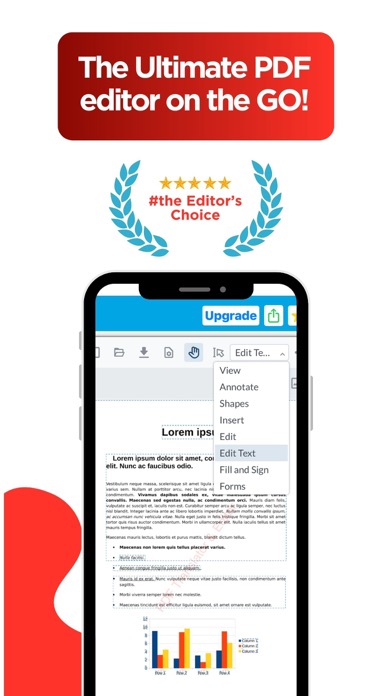
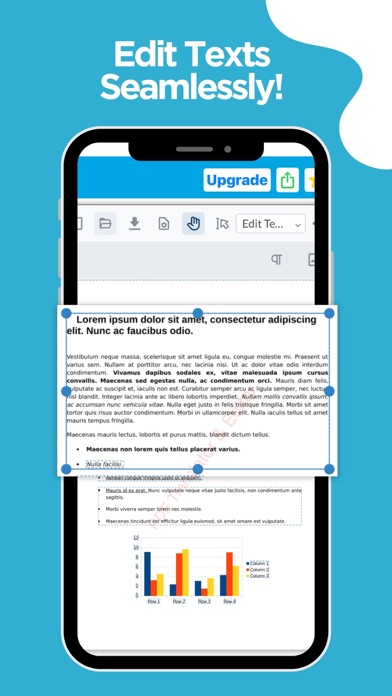
• Edit text directly in your PDFs - change fonts, sizes, and colors
• Add shapes, arrows, and callouts for clear annotations
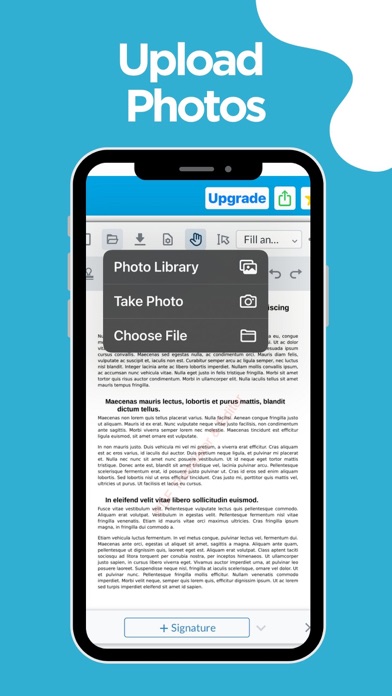
• Insert images and hand-drawn signatures anywhere
• Fill out forms and sign documents digitally
COMPLETE ANNOTATION SUITE
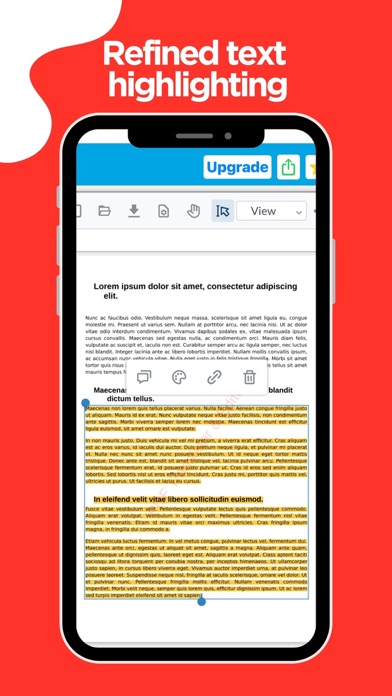
• Highlight, underline, and strikethrough text
• Add sticky notes and comments for collaboration
• Draw freehand with your finger or Apple Pencil
• Create custom stamps and watermarks
SMART DOCUMENT MANAGEMENT
• Split large PDFs into smaller files
• Merge multiple documents into one
• Convert photos to PDF instantly
• Scan documents using your camera
Whether you're a professional handling contracts, a student managing research papers, or anyone who works with PDFs daily - this app delivers desktop-class power in your pocket.
Download now and experience the most powerful PDF editor with unmatched compression!
Terms of service: https://www.apple.com/legal/internet-services/itunes/dev/stdeula/
Privacy policy: https://site.innovaapps.ai/policies/translatorprivacypolicy