Share photos, create clocks, interact with collages
Create interactive clock collages by combining 2 to 12 photos. Highlight and zoom individual images within the clock face. Share collages with friends through social media or messaging. Edit photos before adding them to a collage.
by Squarepond, LLC★ 5.05 ratingsSocial NetworkingFreeData updated 2026-09-06
Create memes by adding stickers, text, and captions to photos. Edit images with intuitive tools. Share creations directly with friends and family. Apply humorous effects and filters. Export memes in various formats for social media or messaging.
The app provides numerous effects to transform photos into fantasy images. Users can combine and adjust effects like rings, swirls, and fireworks to create unique pictures.
Create custom collages and photos with precise measurements. Adjust using millimeters, centimeters, and inches. Rotate and mirror images for accurate alignment. Export and directly from the .
Add live effects to photos and videos. Apply favorite effects to create dynamic content. Share directly via text, Facebook, or Instagram. Edit and customize selfies with interactive elements.
Create and Instagram carousels with customizable templates and drag-and-drop editing. Add text, stickers, and filters. Export and share directly to social media. Adjust layout for seamless swipe-through viewing.
Create composite faces by blending selected photos. Choose images from the Photos Library, adjust blend settings, and share the result. No image data is stored.
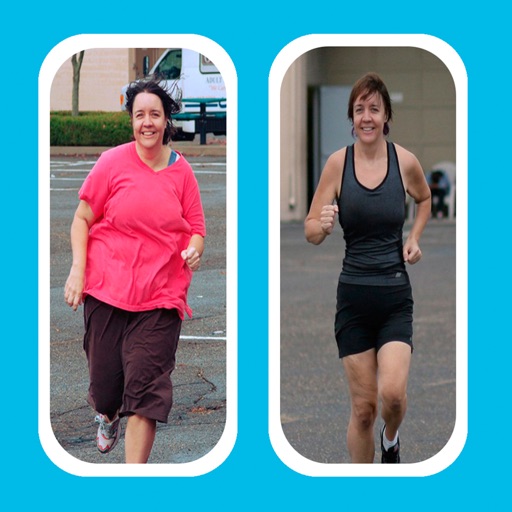
Create -and- photo collages by selecting from two types. Compare images of your body, face, home, or pets over time. Add fun and stylish frames to enhance the visual contrast between photos. Share the final directly.
The app allows users to access and update their profiles, view and accept assignments, and get directions. Users can also fill out recaps, upload photos, and clock-in or out.
Create collages with and romantic . Add flower and symbol stickers. Include text options for messages. Set as live wallpapers with animated stars. Decorate photos with touch interactions.
Add spooky ghosts to photos using a selection of effects. Edit images by placing ghosts in specific areas. Share edited photos directly with friends or via social media. Take new photos within the or import existing ones from the photo library.
Select a or take a new one with the camera. Choose from over 30 colorful to decorate images. Apply different frame styles and designs. Save edited photos to the gallery and share them on social media.
Edit photos with cropping, filters, and adjustments. Remove unwanted objects or people using the Magic tool. Replace backgrounds to create montages. Create collages with pre-designed templates. Export edited photos in multiple formats.
Plan trips by searching or categorizing activities. Check off visited sites with descriptions, maps, and weather info. View photos, tips, and articles for each location. Share experiences and track progress through interactive features.
Create photo collages using favorite images of loved ones. Mix and match photos on small, medium, or large widgets. Combine widgets to display up to 11 photos on one home screen. Access step-by-step video tutorials to guide creation.