Share photos, create clocks, interact with collages
Create interactive clock collages by combining 2 to 12 photos. Highlight and zoom individual images within the clock face. Share collages with friends through social media or messaging. Edit photos before adding them to a collage.
by Squarepond, LLC★ 5.05 ratingsSocial NetworkingFreeData updated 2026-09-06
Decorate photos HD quality . Select images from gallery or camera. Apply preferred and save or share via social media. Set as wallpaper. Save to SD card. Rotate and zoom images touch gestures. Edit photos before applying .
Edit photos by removing unwanted background elements. Add romantic and stickers to images. Create collages for Day. Decorate pictures with customizable art tools. Share edited images directly.
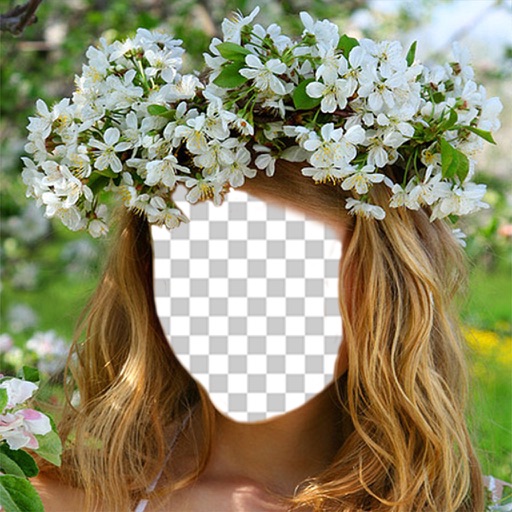
Apply flower to photos from your album. Choose from various like roses, daisies, and sunflowers. Add color filters and adjust appearance. Share edited photos with family and friends.
Create or photos using pre-designed templates or personal images. Add text, decorations, and personal messages. Share completed via email, messaging, or social media.
Edit photos and save them to the album. Share images via email, Twitter, and Facebook. Apply virtual glasses to photos for a new look. Send edited photos to friends directly.
Create photo collages, scrapbooks, greeting cards, calendars, albums, and posters. Use 180+ templates to arrange images. Add text, stickers, and borders. Share collages directly or export in multiple formats.
Create twin-style photos by applying mirrored filters and effects to selfies. Swap faces in images and videos. Share edited photos directly to social media platforms. Add captions and stickers for humor.
Create festive photos with 2D and 3D -themed . Add color particles and animated effects to images. Share edited photos directly to social media. Apply pre-designed collage templates. Adjust frame size and position for custom layouts.
Create -by- videos with vertical and horizontal collage options. Add cool music for vlogs. Choose from popular ratios like Instagram, TikTok, and YouTube. Customize styles and adjust layouts. Share videos directly to social platforms.
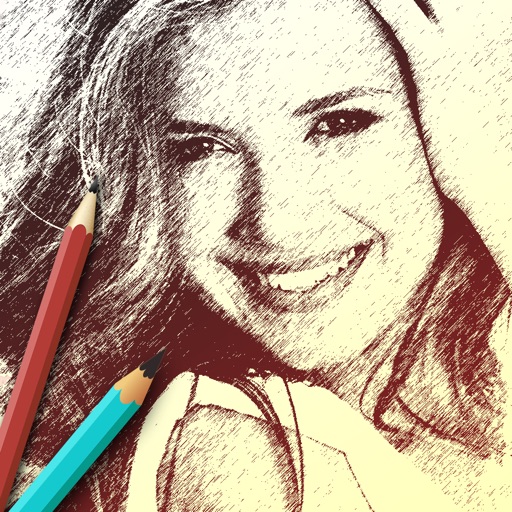
The app allows users to create sketches and share them with friends. It offers filters to transform photos into sketches and frames to decorate creations.
Convert static photos into animated videos using AI technology. Add text overlays and create engaging content. Share videos directly with social media or messaging apps. Edit animations with intuitive controls and preview before exporting.
Edit photos with and reshaping tools, skin smoothing, and blemish removal. Apply subtle aesthetic filters. Edit selfies quickly for social media. Use AI to enhance facial features and overall appearance. Export edited images in various formats.
Apply VHS, Stardust, Retro, and Golden Hour filters to photos and videos. Edit RAW photos with tools like Contrast, Saturation, Grain, and Fade. Crop and Skew images for perspective adjustments. Save and reuse favorite edits with presets.
The app allows users to combine multiple photos into collage frames. Users can select from unique frames, adjust colors or patterns, and share creations via email, social media, and more.
Edit photos by selecting from Camera Roll or taking new shots. Apply real-time effects to create prism-like glass pieces. Adjust frames, shapes, and patterns. Rotate, resize, and drag elements for custom designs. Export and share edited images.
Edit photos with brightness, saturation, and contrast adjustments. Add text, stickers, and memes. Crop, rotate, and straighten images. Apply effects and frames. Sharpen or blur photos. Import images from the camera roll. Fix red tones.
Faces allows users to overlay their on various funny images. Users can select from 12 categories and 300+ photos. They can take a selfie or upload an image and place their on the selected .