
Countdown+++
Thomas Tsopanakis
Count down to any event date.
The app allows users to count down to unlimited events and dates. It offers personalization options, alarms, and iCloud sync across devices.

Showing 21–40 of 1,000 ranked alternatives.
Thomas Tsopanakis
Count down to any event date.
The app allows users to count down to unlimited events and dates. It offers personalization options, alarms, and iCloud sync across devices.

Ralph Sutherland
Display clock faces and set alarms
Displays time in LCD and LED styles with multi-lingual support and localized date formats. Locks orientation for landscape mode. Sets alarms. Allows night-time reading with large digits. Syncs with Apple Health.


Takashi Hamada
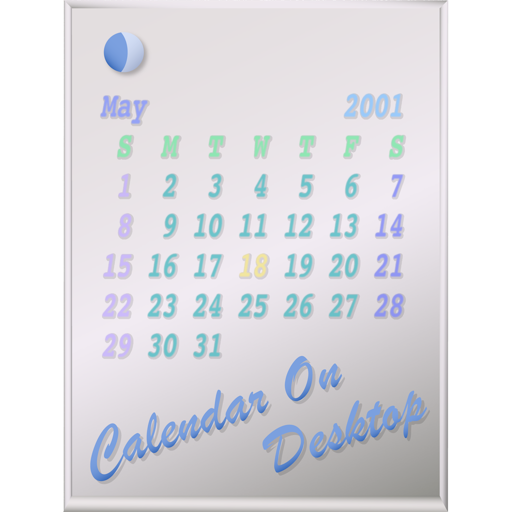
Display calendars directly on desktop.
The app displays calendars on the user's Mac desktop. It allows users to move, resize, and customize the calendar's appearance, including displaying multiple months and iCal events.

VADIM ZYBIN
Delete files without using Trash.
The app deletes files and folders without using the Trash. Users can free up disk space by permanently removing items.


正行 Akamatsu
Project images and sounds to a screen
Capture and display real-time camera images and audio to external devices like projectors or TVs. Share still images from photo albums. Support wireless transfer to AirPlay-enabled devices.


Climb App
Preview application icons on the dock.
The app allows developers to preview application icons on the user's dock. Users can drag and drop various image file types to see how icons appear without building a dummy application.


Pecora GmbH
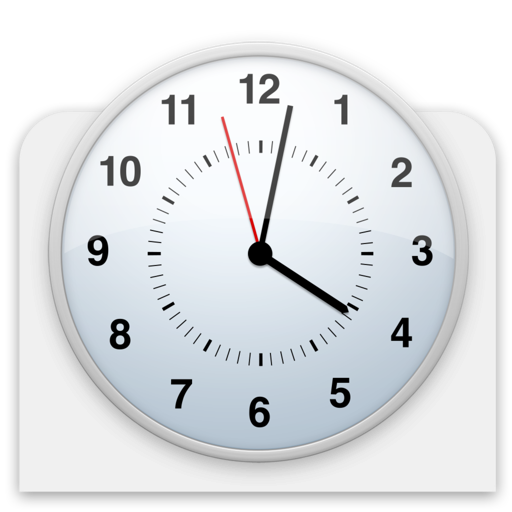
A clock for the Dock.
The app adds a clock to the Dock. Users can choose from various designs to display the current time.

joerg piringer
Track time with evolving visuals
Visualizes time by simulating , where numbers fall and are buried as time passes. Users can watch the face change dynamically with each second. The offers a realistic physics-based animation of time progression.




Francesco Burelli
Control your Mac with iPhone or iPad
Control your computer remotely by launching applications, adjusting volume, and navigating the Mac filesystem. Customize commands for specific apps, open files, and use keyboard and mouse functions.

Code Race EOOD
Display mouse position and drag zone.
The app displays current mouse position and drag zone size in the menu bar and a panel. It offers customizable coordinate calculation, origin points, and hotkey controls for precise mouse positioning and measurement.
Apps are ranked by functional similarity, category fit, rating confidence, and popularity.