
iPhone Screenshots

Description
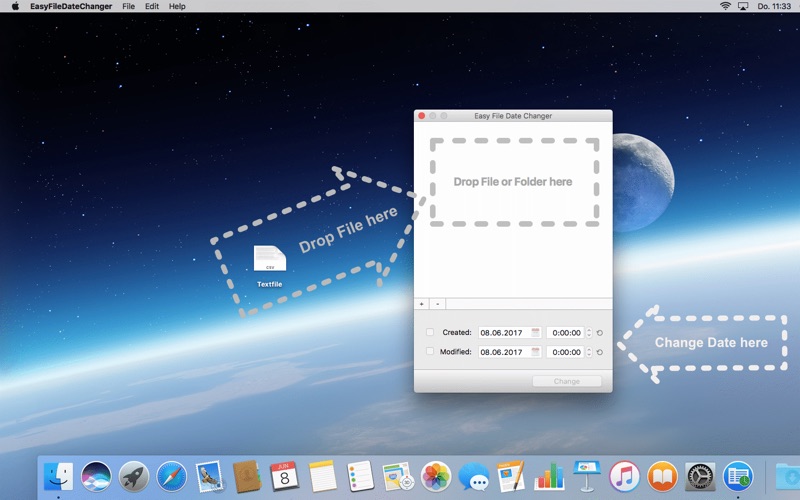
With Easy File Date Changer you can easily change the Creation date or Modification date of Files and Folders.
Simply drag & drop a File or Folder in the white area and change the Date to the desired time. Click then on the Change Button to apply the date change to. That was all - quite simply.
You can also select a file via the "+" button or drag & drop a file to the icon in the dock.
Please note: It can be changed only getting a file. Multiple selection (batch operation) is not yet supported. The recording date of photos (EXIF Metadata) cannot be changed.
If you have a problem or a suggestion for improvement, then mail me at [email protected]