Compile HTML with a single tap. Edit code with adjustable splitter and zoomable viewer. Auto-save work and view changes instantly. Open links in a browser. Add images via the IMG button or folder. Resize splitter by dragging.
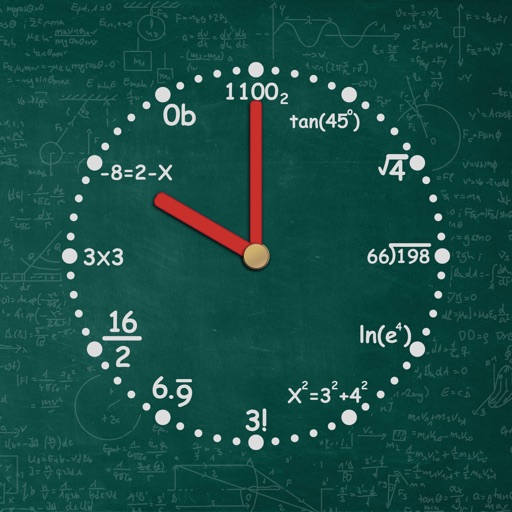
Displays an animated rotating with a starry background. Users can swipe to change styles or adjust camera directions. Options to show or hide the date and second hand are available. Reminders and notifications can be set.
The app offers easier communication for office use with improved Exchange support. Its thoughtful design and clarity layout guide users, while gesture support provides a new email client experience.
A productivity that provides a teleprompter overlay on the MacBook camera notch area. Users can read scripts or notes while maintaining eye contact. The overlay is visible only to the user and excluded from screen sharing in supported apps.
Set cosmological parameters like H_0, Ω_m, and Ω_Λ. Calculate various astronomical distances and scales based on redshift and selected cosmology. Display results in multiple units and export data for further analysis.
Save URLs, auto-save thumbnails, organize with colored
Manage bookmarks with folder organization and color-coded categories. Add links via share menu or manually. Rearrange items by dragging. Lock folders for security. Search by keywords. Switch launch browser. Backup and transfer data.
Take screenshots with customizable hotkeys. Edit images directly with built-in tools. Save and organize screenshots for later reuse. Adjust settings to manage screenshot preferences.