Use your device’s vibrator or connect to a compatible game controller for vibration therapy. Choose from over 30 vibration patterns and adjust intensity levels. Control sessions with preset modes or custom settings.
Test feedback types on a single screen for comparison. View descriptions and use cases for all 9 types in Swift. Share code via Messages, email, or AirDrop. Access links for additional information. Supports dark mode and offers alternate icons.
Control lighting systems with real-time pattern status and sunrise/sunset timers that work offline. Sync folders and patterns across devices via cloud. Customize lighting scenes and manage schedules directly from the .
Perform calculations with a clean interface. Switch between light and dark themes. Use multitasking on iPad. Access on Apple Watch with complications. Share results via iMessage.
Play with adjustable key widths and custom labels. Use haptic feedback on key presses. Access saved settings on each launch. Jump between octaves and disable scroll. Supports assistive screen readers and iPad with 2 rows of keys.
IOS developers can test all built-in haptic feedbacks on iPhone. Copy and share Swift code for any haptic type. Supports dark mode and latest iOS. No ads or account required.
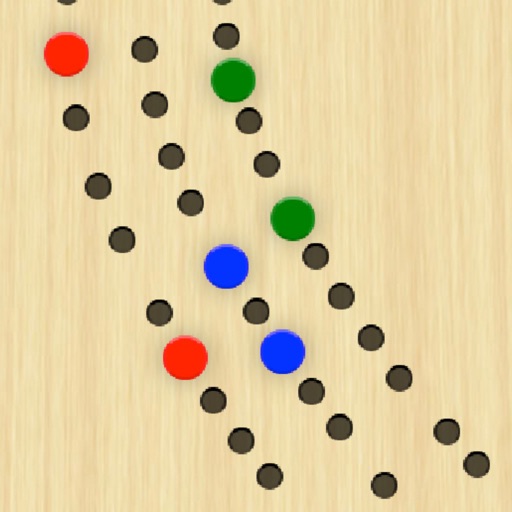
Play with draggable pegs and a classic 29-point . Score games with easy buttons. Support 2 or 3 players or teams. Customize names and colors. Zoom in for details. Automatically track games won.
With customizable buttons featuring color selection, goal tracking, and or countdown modes. Set step sizes and create widgets for home screen access. Includes haptic and acoustic feedback with optional in- donations.
Scan QR codes and barcodes with support for 20+ types. Use front or rear camera and torch for scanning. Scan codes from photos in the library. Generate custom QR codes. View product details from Google and Amazon. Save and filter scan history.
Perform complex calculations with scientific formulas and unit conversions. Access calculation history via Spotlight and 3D Touch. Use widgets for quick access and history integration. Sync with Apple Watch for notifications and basic calculations.
Allows users to perform calculations directly within compatible apps. Input equations using the . Dark Mode is supported. Full iPadOS compatibility is available. Customization options are provided.
Monitor performance with real-time CPU, memory, and battery usage tracking. View detailed hardware specifications and storage information. Run system tests, benchmark apps, and analyze network activity.