iPhone Screenshots
Description
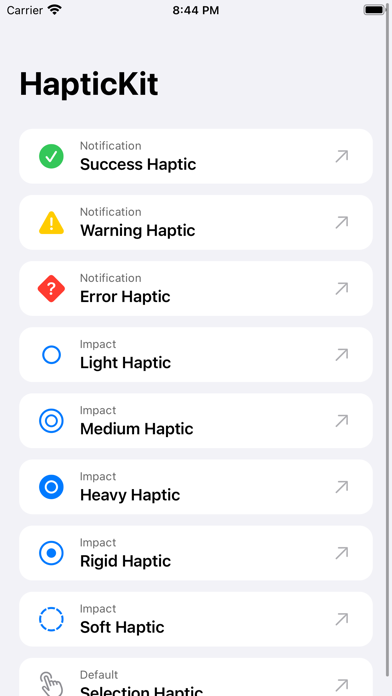
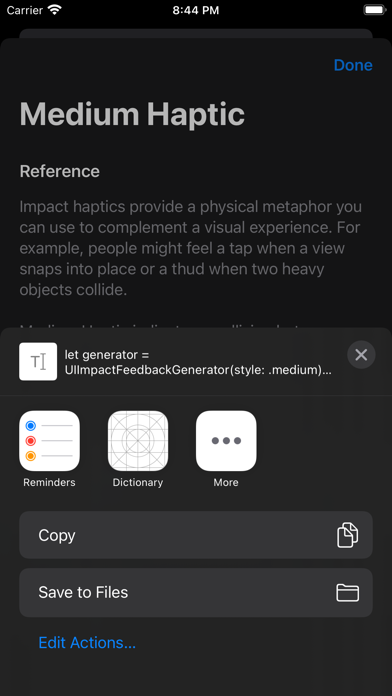
IOS developers can test all built-in haptic feedbacks on iPhone. Copy and share Swift code for any haptic type. Supports dark mode and latest iOS. No ads or account required.
HapticKit helps iOS developers to try, learn about, and implement built-in haptic feedbacks on iPhone.
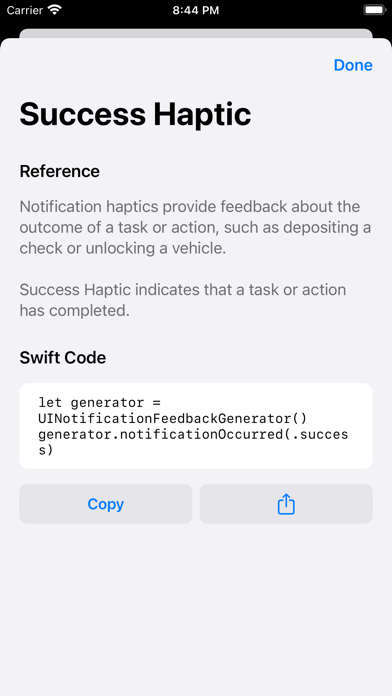
Haptics can be used to improve your app's user experience. With HapticKit, iOS developers can try different haptics and view & copy the haptics Swift code instantly.
Features:
- Try all built-in haptic feedbacks for iPhone.
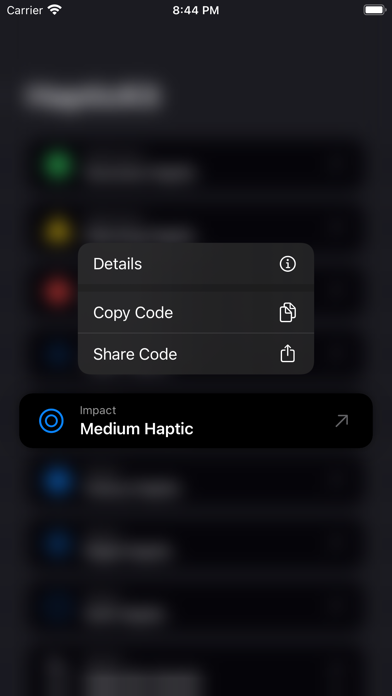
- Copy & share Swift code for any haptic type.
- Dark mode support.
- No ads, no account needed.
- Supports the latest iOS.
No haptic feedback? Please make sure you have turned it on in iOS Settings app: Go to Settings > Sound & Haptics > System Haptics.
No ads, no account needed. We do not collect any data from this app.