
iPhone Screenshots

Description
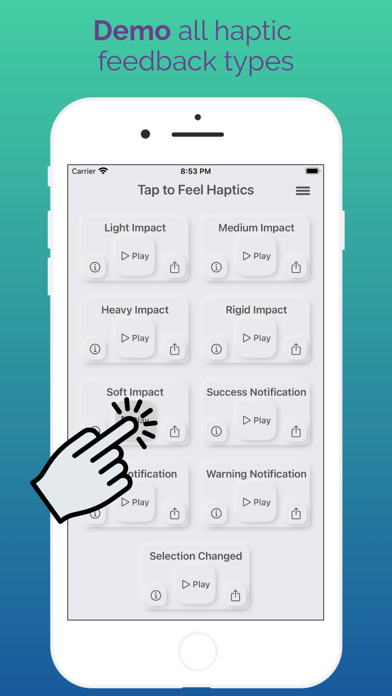
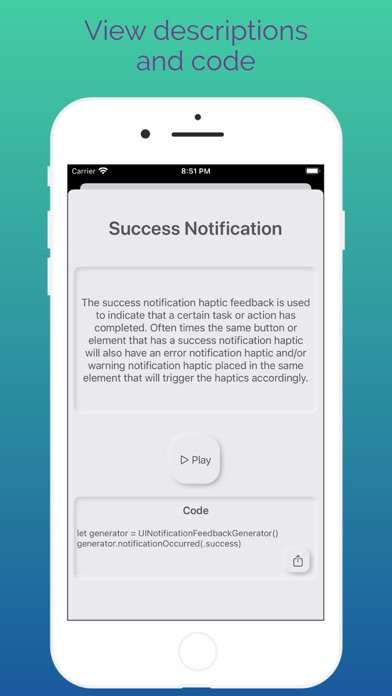
Test feedback types on a single screen for comparison. View descriptions and use cases for all 9 types in Swift. Share code via Messages, email, or AirDrop. Access links for additional information. Supports dark mode and offers alternate icons.
Haptic Haven is an app for iOS developers to test, learn about, and implement haptic feedback.
Features:
-Demo all haptic feedback on one screen to easily compare them
-See descriptions and use cases for all 9 types built into Swift
-Share the code with yourself through Messages, email, airdrop, and more
-View helpful links with further information about haptic feedback
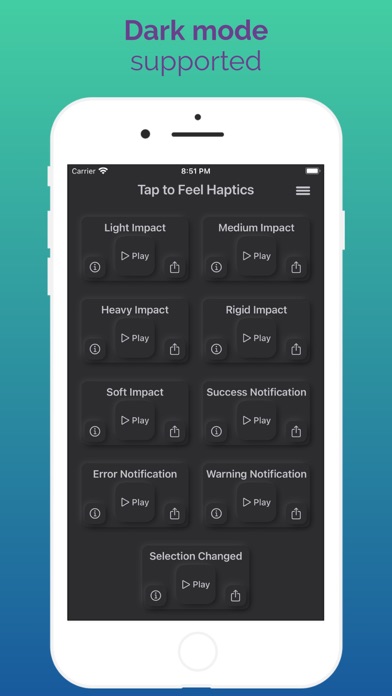
-Dark mode supported
-Alternate app icons available
Haptic feedback is a great way to improve the user experience of an application and all iOS developers should be familiar with it. Enjoy this haven for all things haptics!
Make sure to have haptic feedback turned on in your phone's Settings app: Go to Settings > Sound & Haptics > System Haptics.
The open source code for this app can be found at: https://github.com/davejacobsen/HapticHaven
Questions or feedback? Contact us at [email protected]
No ads, no account needed, no personal information collected. Ever.