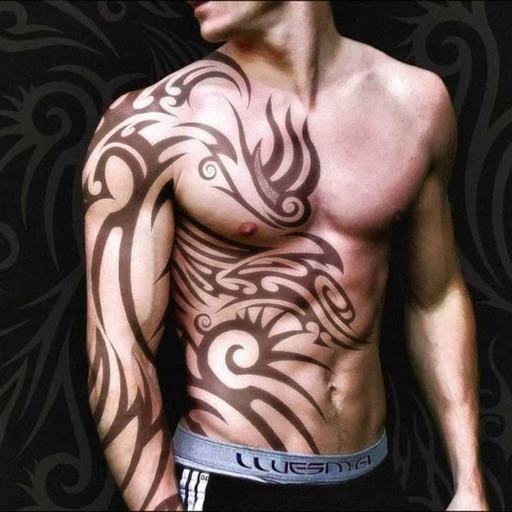
Create tattoos on photos with high-definition images. Select from various styles like dragon, color, love, and kanji. Apply effects and save or share directly. Choose photos from camera or gallery.
Create funny morphs by selecting two photos. one to another and swap to reverse the effect. Adjust intensity and save results as single images or collages. Supports multiple photos.
Create self-portraits with sketch and artistic effects. Apply filters like sketch, painting, and pixelate. Save photos to the library or share on social media platforms. Print images directly.
Decorate photos HD quality . Select images from gallery or camera. Apply preferred and save or share via social media. Set as wallpaper. Save to SD card. Rotate and zoom images touch gestures. Edit photos before applying .
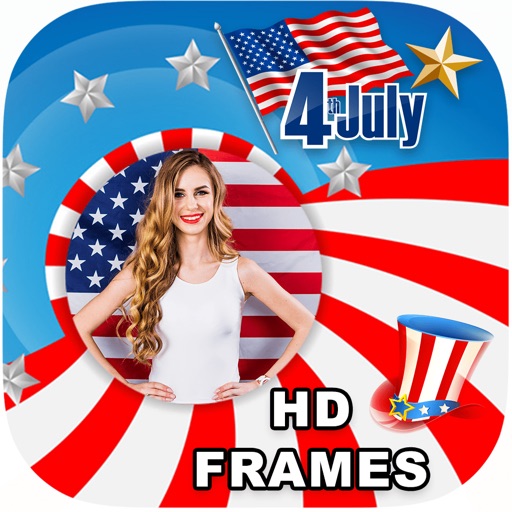
Edit photos with filters, select and apply Independence Day , add text with customizable font style and size. Share edited photos via social links. Set color options and arrange images in sets.
Create artistic images with single-tap camera effects and professionally designed filters. Adjust brightness, contrast, and tone curve. Blur and focus images. Rotate, crop, and resize photos. Add text and fun stickers.
Create collages using various layouts. Stitch screenshots into long screenshots. Add text, stickers, and backgrounds during editing. Export edited content.
Timer for event tracking with customizable date and time settings. Set repeat dates and notifications. Choose background color, image, text style, and placement. Organize events into folders. Calculate date, time, and time differences.
Add stickers, filters, and backgrounds to WhatsApp
Add stickers, animations, and backgrounds to WhatsApp and iMessage. Organize over 9,200 Arabic stickers sorted into categories like Islamic, funny, love, and holidays. Import stickers from your phone and share them easily.
Turn photos into pencil sketches using advanced analysis and redrawing. Select images from the library to convert into detailed artwork. Share the results directly or save as new files.
Edit photos with AI cartoon filters, -to-sketch conversion, and mosaic art creation. Remove backgrounds, add drip art, and create collages. Save and share edited images directly.
Edit photos to convert them into and with adjustable contrast, brightness, and grain. Apply filters and vintage effects. Crop, rotate, and add text overlays. Save and share edited images in various formats.