Paint on spherical surfaces with customizable brush settings. Create symmetrical designs using mirroring tools. Save and export artwork in various image formats. Adjust colors and layer transparency for detailed artwork.
by tetsuhiro nakano★ 5.01 ratingsGraphics & DesignFreeData updated 2026-09-06
The app offers multilayer paint and image editing with tools like erasers, fill tools, and color pickers. Users can manage multiple layers, adjust alpha values, and change layer visibility and order.
Create digital paintings using 8 fixed bases including black, white, and selected colors. Mix colors to create custom shades. Use ideal and Ferrario Acrylic Pen Colors for different effects. Save and share artwork directly.
Edit photos with diffusion and blending tools to create optical illusions. Adjust intensity and layer settings for customized effects. Export edited images in various formats and share directly.
Create AI-generated artwork with customizable prompts. Generate landscapes, animals, portraits, and characters. Edit and refine images with built-in tools. Save and share final designs directly.
Create paintings using single strokes in sizes from tiny to large. Choose from normal colors, continuous color change for each stroke, or simultaneous color change.
Create and customize 3D nail designs with gel art, paint, stickers, and glitter. Choose from various patterns and accessories. Decorate fingernails with manicure art and decals. Explore a spa, salon, and boutique environment.
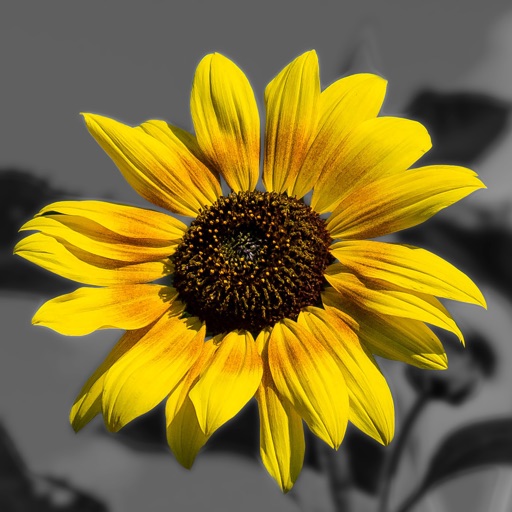
Edit photos by converting them to and and selectively adding with brush tools. Choose from various brush sizes and styles. Apply filters for creative effects. Undo changes with a single tap.
Create and refine digital artwork with drawing tools and tutorials. Import photos for reference. Save and organize sketches in digital sketchbooks. Practice advanced techniques with guided lessons.