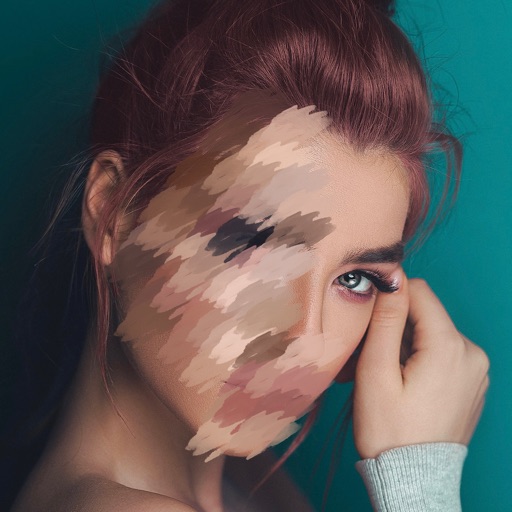
Blur faces in photos and videos using an AI-powered tool. Select areas to blur and apply precise face tracking for accurate results. Choose from multiple blur styles and overlays to customize the effect. Share edited content directly from the .
by Terminalni Poslovi d.o.o.★ 4.248 ratingsPhoto & VideoFreeData updated 2026-09-06
Edit photos with crop and rotate tools using templates. Apply LUT to change the mood. Adjust colors with color curves. Add blur in various styles. Use basic tools for contrast, brightness, and vignette.
Create art effects with one-click auto generation. Edit photos with filters, cutouts, background erasing, and changing. Blur images and adjust colors. Share edited photos directly to social media.
Edit screenshots by selecting and redacting text, highlighting key details, adding strikethroughs, and drawing freehand annotations. Adjust text appearance with styling options and export edited images.
Old photos by removing blur and sharpening details. Add realistic color to black and white images. Eliminate scratches, tears, and damage. Improve lighting and exposure for clearer results. Powered by Google Gemini AI for high-quality enhancements.
Edit photos with AI-powered enhancement, colorization, and object removal. Adjust lighting, sharpen details, and correct imions. Apply filters and restore old photos. Export edited images in various formats.
Take high-quality photos with manual controls similar to a DSLR . Use bulb exposure for long exposures and motion blur. Apply neutral density filters to control light intake.
Create graphics with customizable text effects and unique styles. Apply effects like metal chrome and retro chrome. Export high-resolution PNGs. Share directly to social media platforms including Instagram, TikTok, and Facebook.
Edit photos and videos with filters, effects, and adjustments. and scale using predefined canvases. Rotate, flip, and blur images. Add text, stickers, and frames. Share full-size content to Instagram and other social media without cropping.
Edit photos using like Linear, Vignette, and Sepia. Adjust brightness, contrast, and color with tone curve tools. Apply blur, focus, and rotation. Add stickers, text, and emoticons. Crop and resize images.