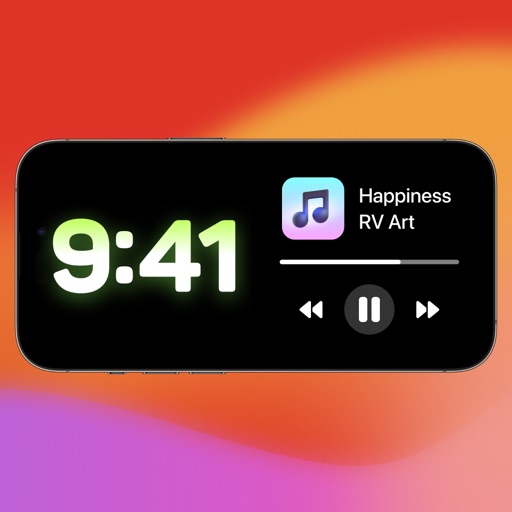
Interactive widgets provide quick access to utilities like a random number generator, counter, and canvas tools. Users can customize and control these widgets directly from the home screen.
by 一玮 王★ 0.00 ratingsUtilities$0.49Data updated 2026-09-06
Generate numbers using historical drawing data. Select numbers based on Most Drawn, Least Drawn, Overdue, or Recently Drawn filters. Save ticket entries and track past results.
Create custom widgets by combining photos with text or dates. Place widgets on home screens. Share widgets with friends via iCloud. Send photos to their screens. View and manage shared widgets in iCloud.
Count down to custom dates representations. Set and track event reminders. Import calendar events. Customise home screen widgets. Support dark mode and universal iPad. Sync across devices via iCloud. Available on Apple Watch.
Create and organize tasks using custom folders. View tasks in calendar format to manage deadlines. Add home screen widgets for quick task access. Set reminders and prioritize items to stay on top of responsibilities.
Customize lock screen with widgets featuring quotes, customizable options, and dynamic island . Save and apply directly. Adjust settings for personalized lock screen appearance.
Organize and view inspirational images on an infinite canvas. Save images from web links or design sites. Create multiple stacks to categorize stashes. Tap to expand stacks or view full-screen images.
Customize mode with personalized widgets, icons, and themes. Set wallpapers, clocks, and weather displays. Choose from multiple themes and icon packs. Syncs with iOS 17+ for full functionality.
Me allows users to create up to 10 counters with customizable colors. Widgets display counters on the home screen. Tap, double tap, or custom buttons update counters instantly. Adaptive sizes let users switch between compact grid and detailed views.
Pack "Customize icons with downloadable packs. Apply to apps, widgets, and wallpapers. Access premium packs via subscription. Replace default icons with high-quality designs."
Add unlimited to Home Screen and Lock Screen. Edit notes directly on . Customize appearance and set interactive elements. View notes instantly upon picking up the phone. Supports transparent and standby widget styles.
Add unlimited countdowns for any event. Track time remaining or elapsed with precise timers. Place widgets on home, lock, and standby screens. Customize widget colors for personalization.
Control smart LED lamps, strips, and -powered devices with a clean interface. Manage multiple devices in one . Adjust color palettes, apply effects, and schedule on/off times based on sunrise or sunset. Add home screen widgets for quick access.
Create personalized widgets with photos, names, and birth dates for you and your partner. Track anniversaries and special dates. Play interactive games to enhance relationship engagement. Add custom text and design elements to widgets.
Count numbers with a plus or minus button in the or . Set automatic resets with timers. Use shortcuts for Siri or Apple Watch integration. Send data via HTTP to third-party habit trackers. View a history log of all counts.
Devices with instant connection and one-tap access. Stream audio directly to your phone. Use voice commands, Siri, and Shortcuts. Access widgets and quick controls. Works on iPhone, iPad, Mac, Apple Watch, and Vision Pro.
Manage tasks with a list and timer. Set a deadline, add tasks with estimated time, and track progress. Calculate time remaining or elapsed. Archive tasks for later. Use home and lock screen widgets for quick access.
Customize home screen layouts with drag-and-drop widgets. Choose from pre-made templates or create custom designs. Edit backgrounds, fonts, colors, and add weather, calendar, and time-zone tools. Sync widgets with iOS 14 and above.