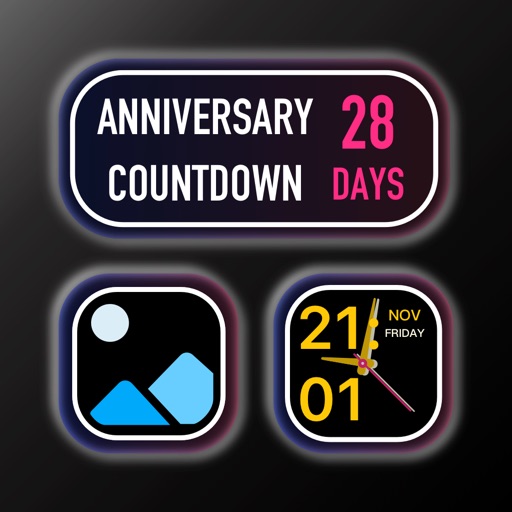
Create custom widgets by combining photos with text or dates. Place widgets on home screens. Share widgets with friends via iCloud. Send photos to their screens. View and manage shared widgets in iCloud.
by EFRAC - FILIP NOWORYTA★ 4.1332 ratingsUtilitiesFreeData updated 2026-10-05
Create and share interactive widgets to display daily vibes and life moments. Adopt and care for virtual pets with friends. Track sleep patterns and share updates. Customize home screens with fun, engaging content.
View zones for 30k cities. Add widgets to home screen. Adjust using converter. Rename locations. Use offline functionality. Navigate with clean, straightforward interface.
Solve problems with step-by-step explanations. Input equations via camera or text. Access solutions for algebra, calculus, and graphing. Subscribe for unlimited help and automatic renewals.
Customize the home screen by arranging widgets. Choose from various and . Adjust widget settings to suit preferred functions and appearance. Add widgets like wallpaper, clock, and weather.
Customize and Lock Screens with themes, icons, and widgets. Add widgets for quick access to apps and information. Choose from a wide selection of wallpapers and design personalized themes.
Customize digital widgets with three sizes, personal photos as backgrounds, and adjustable layouts and text colors. Set faces and backgrounds to enhance home screen appearance.
Choose from over 118 fonts including emoji, upside down, and bubble letters. Apply fonts to messages across Facebook, Twitter, WhatsApp, Instagram, and iMessage. Customize text appearance for social media and instant messaging apps.
Create unlimited To Do lists and add them to the Home Screen. Edit lists directly from the Home Screen. Customize colors and font size. Choose from three color styles and two layouts. Add widgets for quick access and configure them by long pressing.
Create memos, checklists, and reminders for task management. Customize with colors and images. Add as widgets to home screens. Sync with iCloud for cross-device access.
Get a phone with any available area code. Send and receive unlimited text messages, including photos. Receive verification codes for account registrations. Keep your real private for online activities. Create and manage group texts.
Turn photos of pets or objects into customizable patterns for lock screens. Create animated patterns and save as live photos, videos, or GIFs. Use AI to cut out subjects or trace manually. Choose from suggested colors and palettes.
Share photos, videos, and messages with friends through widgets on the home screen. Receive notifications without opening the . Create customizable widgets for personal or shared use. Send unlimited text messages to partners.
The app allows users to view Instagram videos in slow motion or pause them. Users can also copy the description below a post by pasting the video link into the app and pressing play.
Customize home screen with photos, , or dates. Add analog clock and set background color. Choose font, size, and color for and date. Support unlimited and uploads.
Add calendar and clock widgets to the home screen for schedule management. Select photos from the album to personalize the desktop. Include weather widgets for real-time condition tracking. Customize widget appearance and layout.
Edit photos with filters, cropping, and adjustments. Add text, stickers, and frames. Create collages by combining multiple images. Share directly to social media. Apply effects and choose from various fonts and stickers.
Access a collection of 1000 for Pocket Edition. Browse and download for female characters. Unlock all for $9.99 per month. Subscriptions renew automatically unless canceled at least 24 hours in advance.
Create unlimited widgets and collections. Add favorite photos to widgets and configure them to display specific collections. Reframe photos and include optional date and text in widgets.